<?xml version="1.0" encoding="UTF-8"?>
<feed xmlns="http://www.w3.org/2005/Atom">
    <title>カテゴリーごとにデザインが変わるMTテンプレート</title>
    <link rel="alternate" type="text/html" href="http://mt200605.cmsagent.net/" />
    <link rel="self" type="application/atom+xml" href="http://mt200605.cmsagent.net/atom.xml" />
   <id>tag:mt200605.cmsagent.net,2009://13</id>
    <link rel="service.post" type="application/atom+xml" href="http://www.cmsagent.net/mt/mt-atom.cgi/weblog/blog_id=13" title="カテゴリーごとにデザインが変わるMTテンプレート" />
    <updated>2007-04-11T02:08:55Z</updated>
    <subtitle></subtitle>
    <generator uri="http://www.sixapart.com/movabletype/">Movable Type  3.3-ja</generator>
 
<entry>
    <title>テンプレートの特徴</title>
    <link rel="alternate" type="text/html" href="http://mt200605.cmsagent.net/11111/post.html" />
    <link rel="service.edit" type="application/atom+xml" href="http://www.cmsagent.net/mt/mt-atom.cgi/weblog/blog_id=13/entry_id=102" title="テンプレートの特徴" />
    <id>tag:www.cmsagent.net,2006:/mt-affiliate/200605//13.102</id>
    
    <published>2006-05-30T07:55:48Z</published>
    <updated>2007-04-11T03:11:02Z</updated>
    
    <summary>カテゴリーごとにトップ画像を変えることができるテンプレートです。 また、カテゴリ...</summary>
    <author>
        <name></name>
        
    </author>
            <category term="111テンプレート11（左・カテゴリー型）" />
            <category term="112テンプレート12（右・カテゴリー型）" />
            <category term="113テンプレート13（左・エントリー型）" />
            <category term="114テンプレート14（右・エントリー型）" />
    
    <content type="html" xml:lang="ja" xml:base="http://mt200605.cmsagent.net/">
        <![CDATA[<strong>カテゴリーごとにトップ画像を変えることができるテンプレートです。</strong>

また、カテゴリーページで全てのエントリーを閲覧できるパターンと、
従来どおりのトップページ、カテゴリーページ、エントリーページで全てのエントリーが閲覧できるパターンを用意しています。

前者カテゴリーページで全てのエントリーを閲覧できるパターンにつきましては、個別エントリーページ自体は生成され、また見えないようにリンクをしていますのでSEO対策ももちろん施しております。）

またそれぞれについて、「左メニュー」「右メニュー」の2つを用意しています。
合計４レイアウト（×10カラーバリエーション）を用意しています。


カテゴリーごとにトップ画像を変更できるため、
かなり自由度の高い、またブログらしくないサイトを
作成することができると思います。


<FONT color="#ff0000">ぜひ、以下のサンプルサイトをご覧の上、様々なサイト作成にご活用ください！</FONT>]]>
        
    </content>
</entry>
<entry>
    <title>サンプルページと各色のスクリーンショット</title>
    <link rel="alternate" type="text/html" href="http://mt200605.cmsagent.net/11111/post_4.html" />
    <link rel="service.edit" type="application/atom+xml" href="http://www.cmsagent.net/mt/mt-atom.cgi/weblog/blog_id=13/entry_id=106" title="サンプルページと各色のスクリーンショット" />
    <id>tag:www.cmsagent.net,2006:/mt-affiliate/200605//13.106</id>
    
    <published>2006-05-30T08:06:54Z</published>
    <updated>2007-04-11T02:09:48Z</updated>
    
    <summary>★このテンプレートを使ったサンプルサイト サンプルページを見る（緑色バージョン）...</summary>
    <author>
        <name></name>
        
    </author>
            <category term="111テンプレート11（左・カテゴリー型）" />
    
    <content type="html" xml:lang="ja" xml:base="http://mt200605.cmsagent.net/">
        <![CDATA[<strong>★このテンプレートを使ったサンプルサイト</strong>

<a href="http://www.cmsagent.net/blog11/" target="_blank">サンプルページを見る（緑色バージョン）</a>


<strong>★各カラーごとのスクリーンショット</strong>
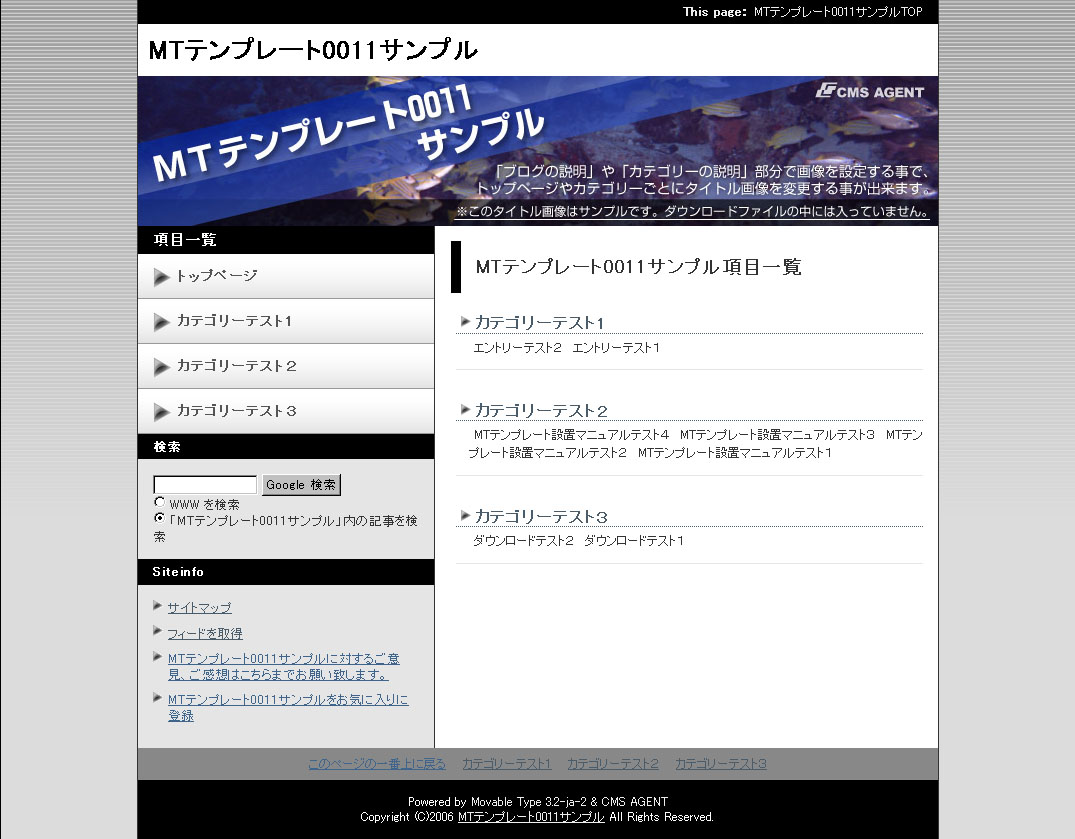
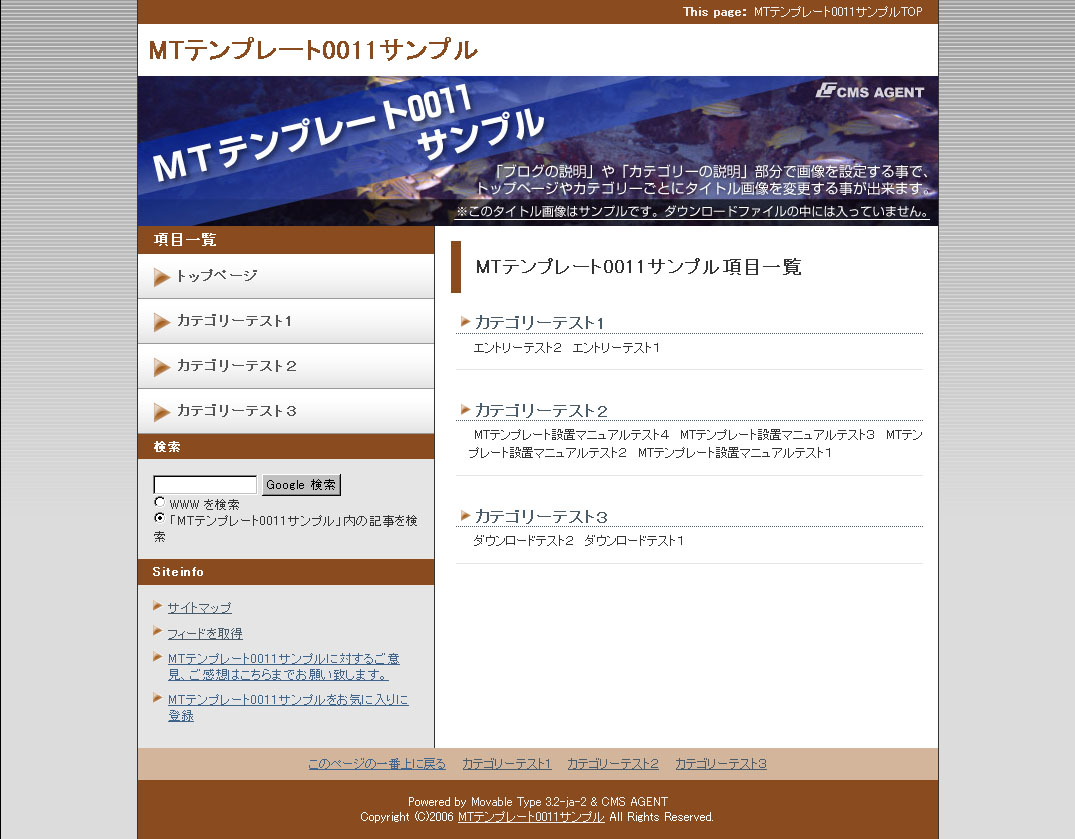
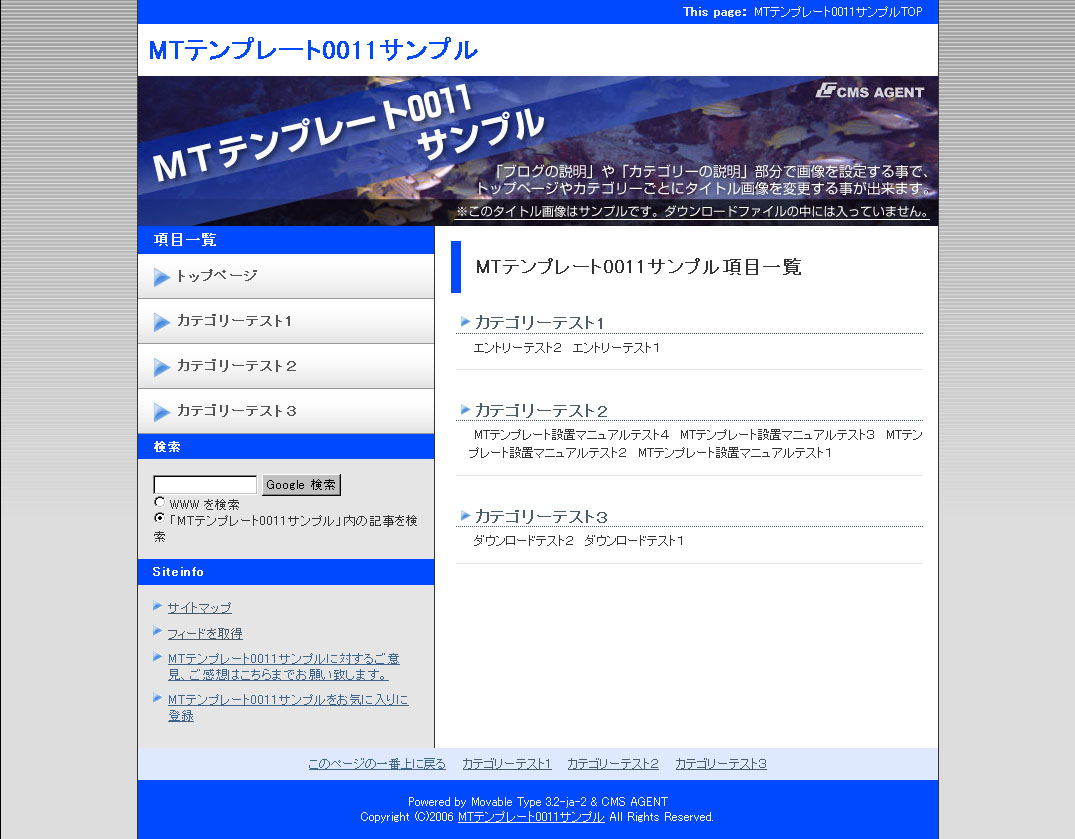
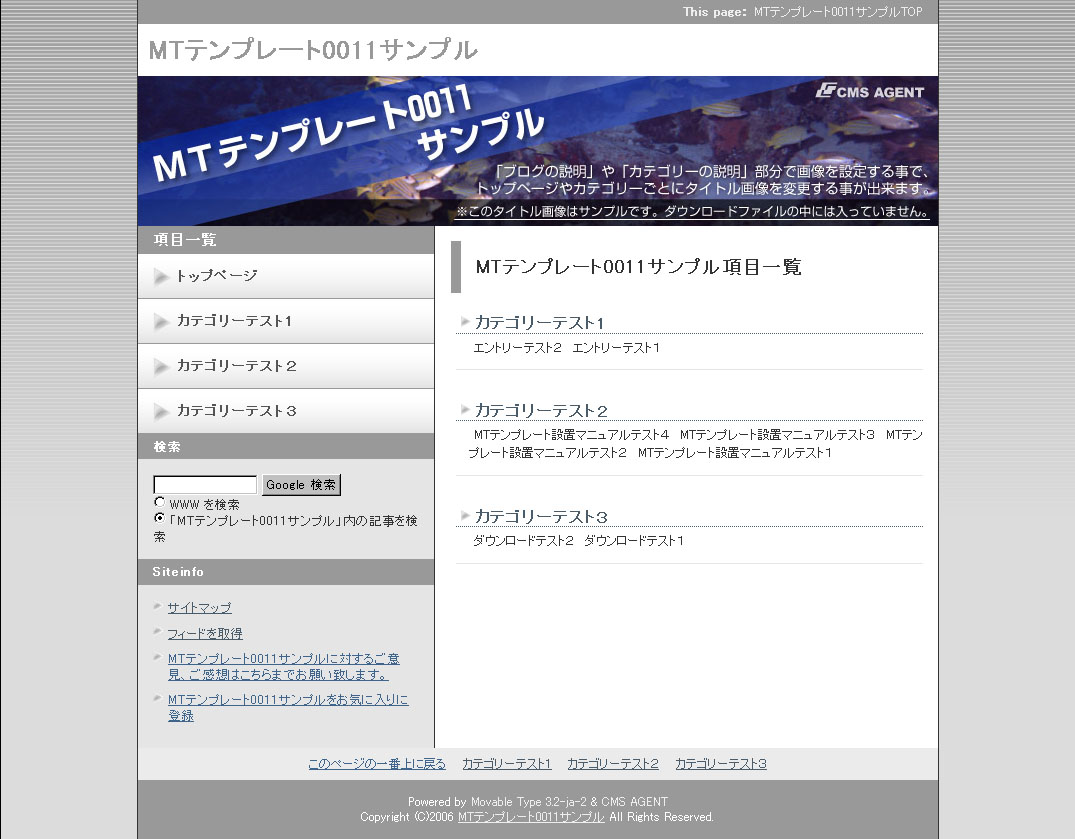
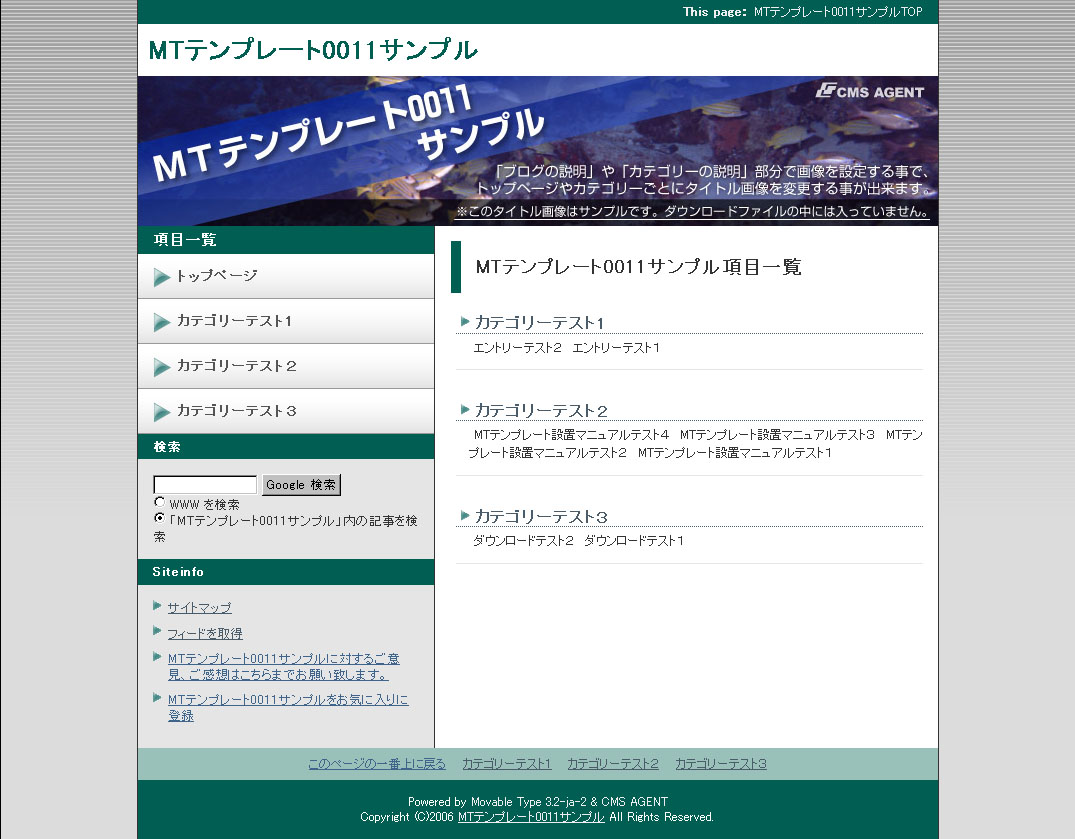
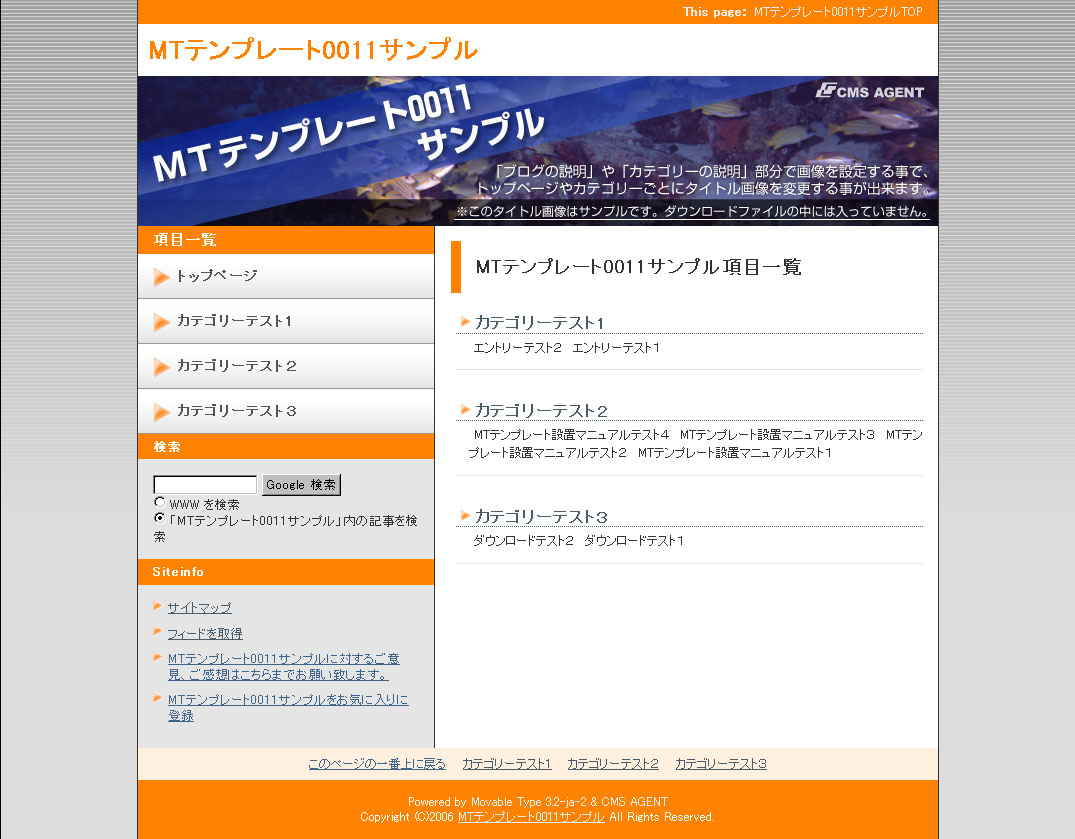
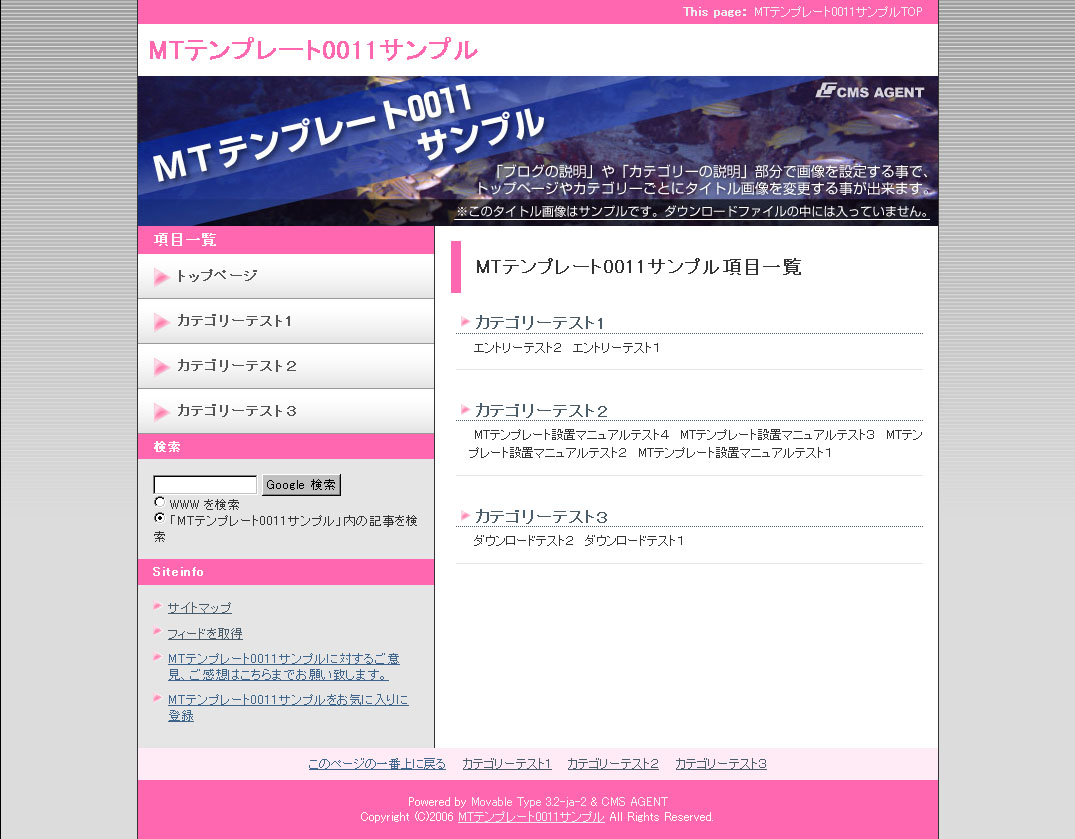
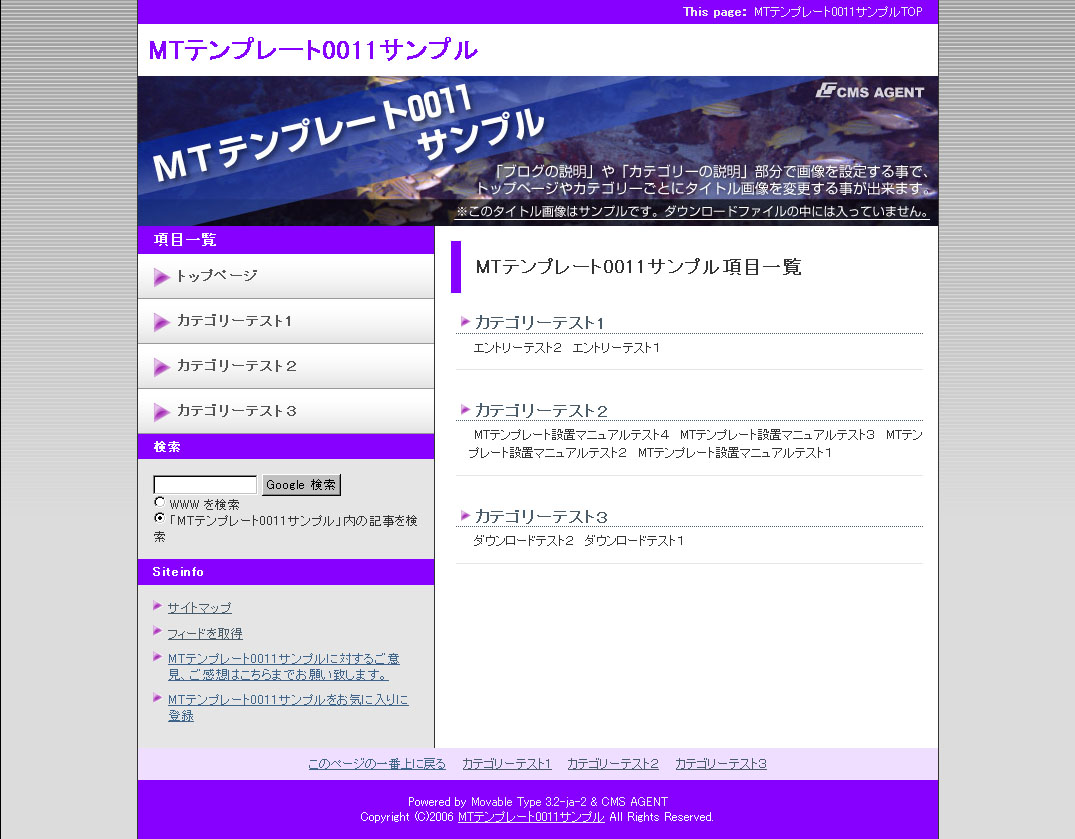
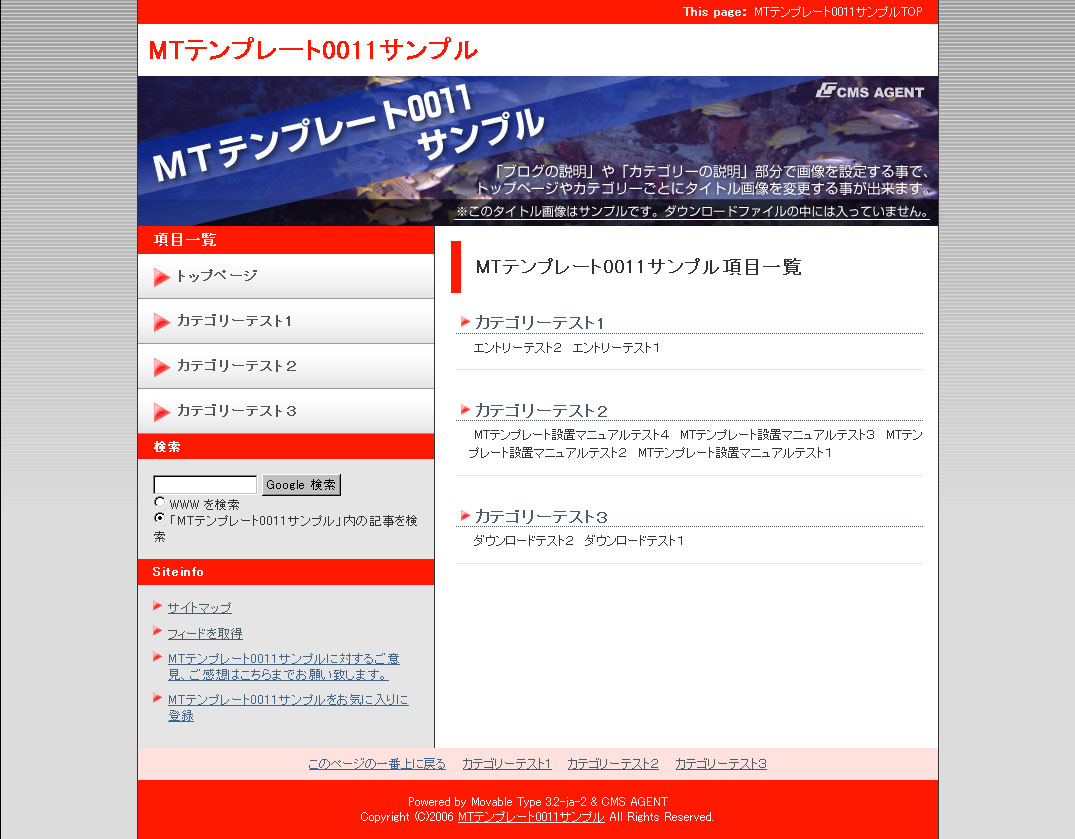
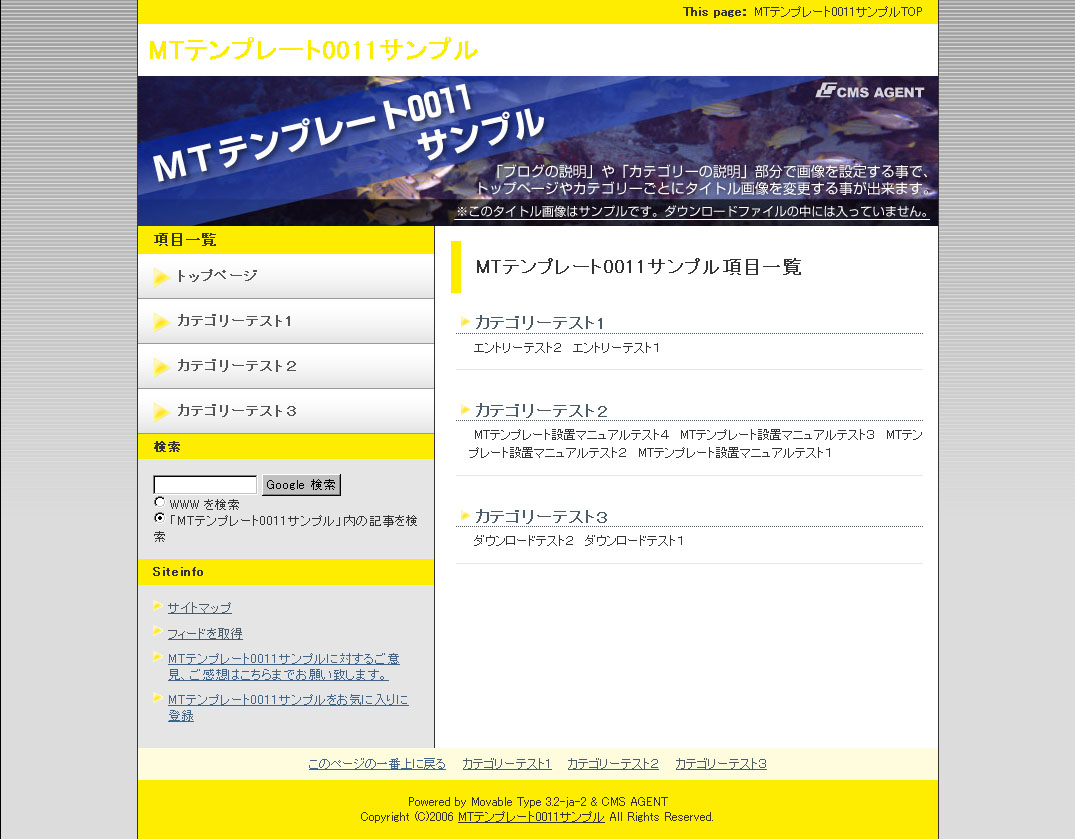
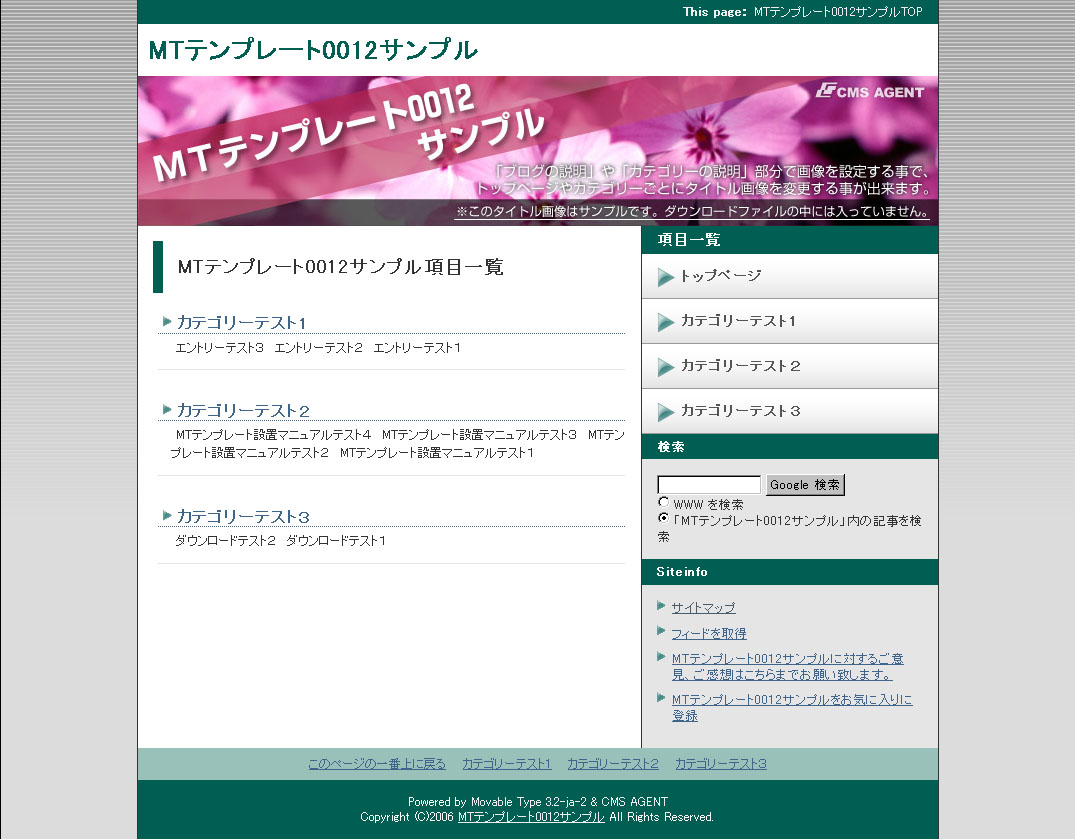
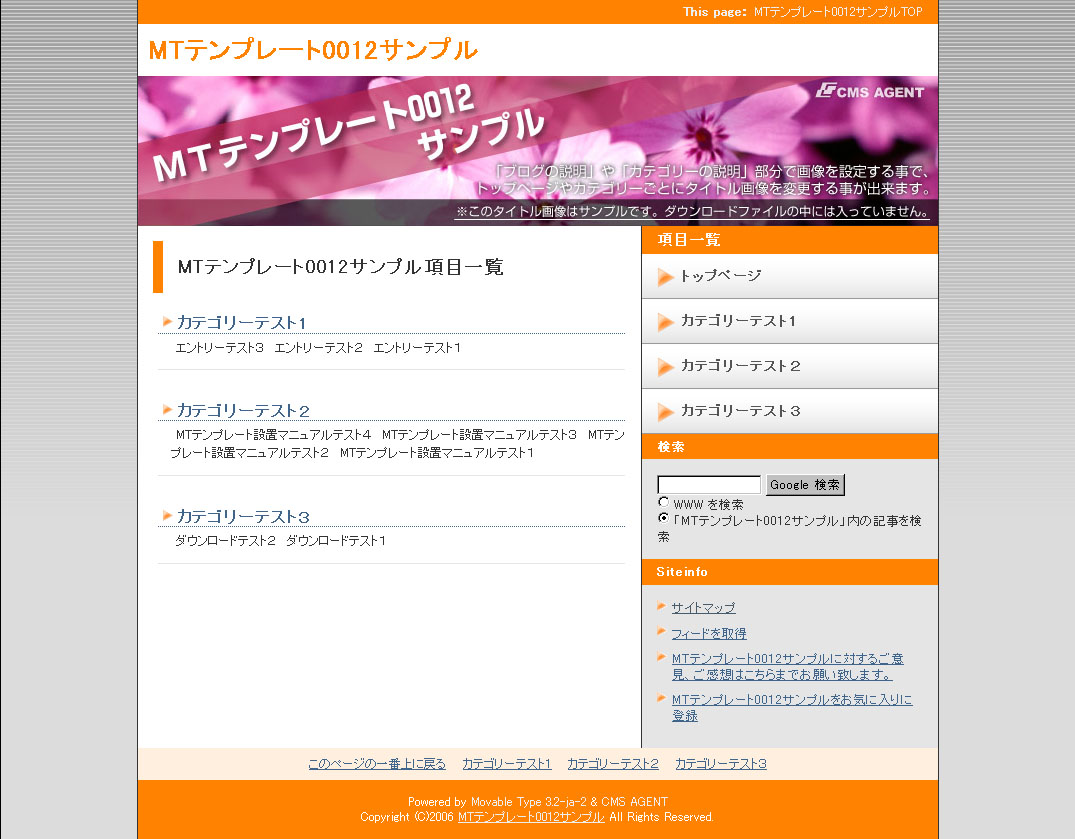
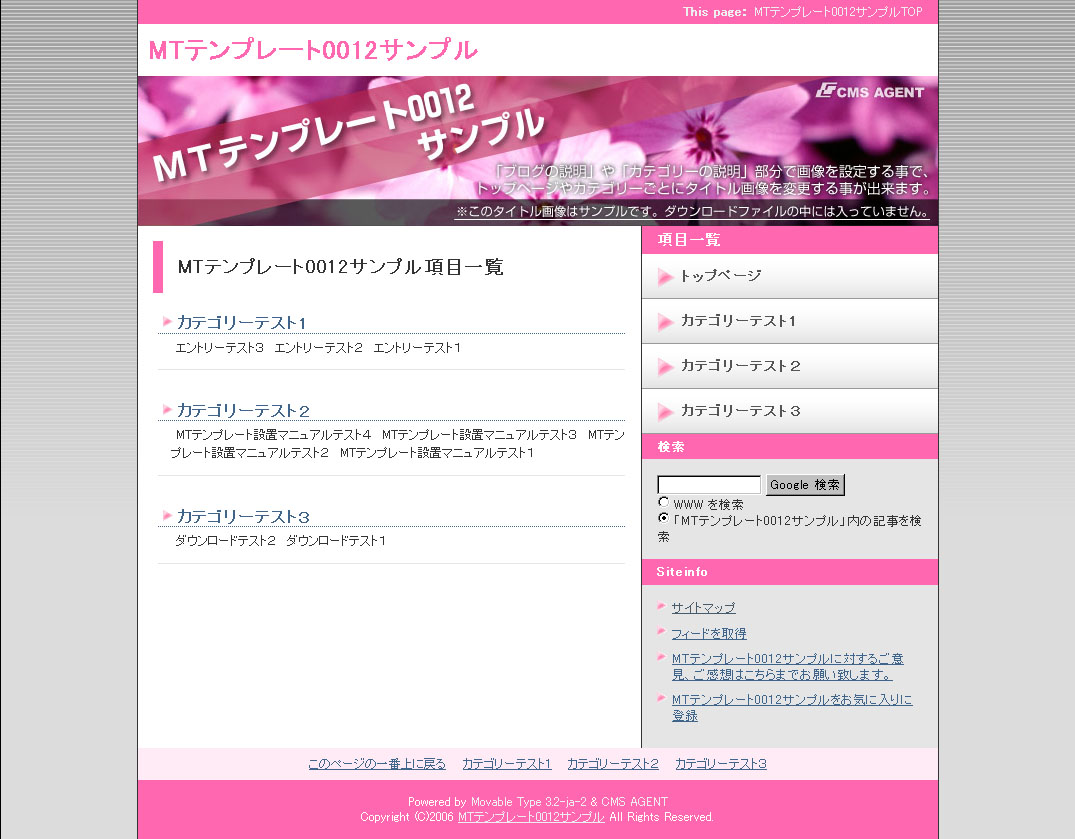
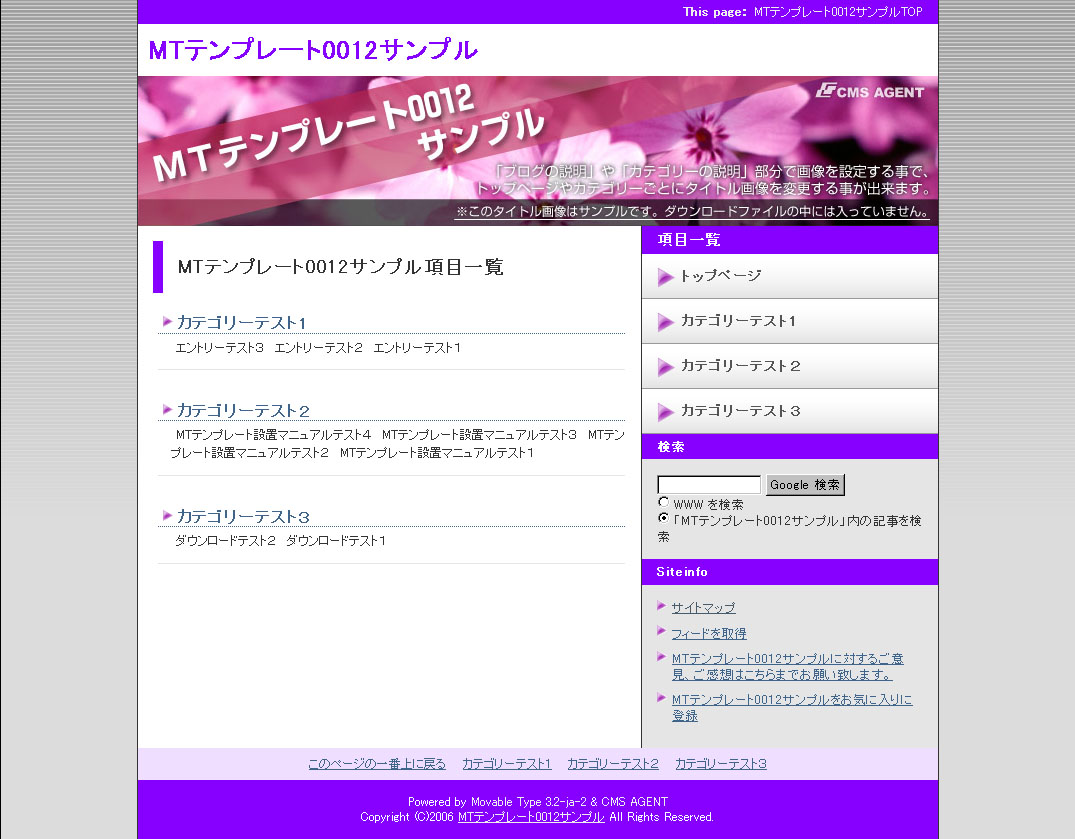
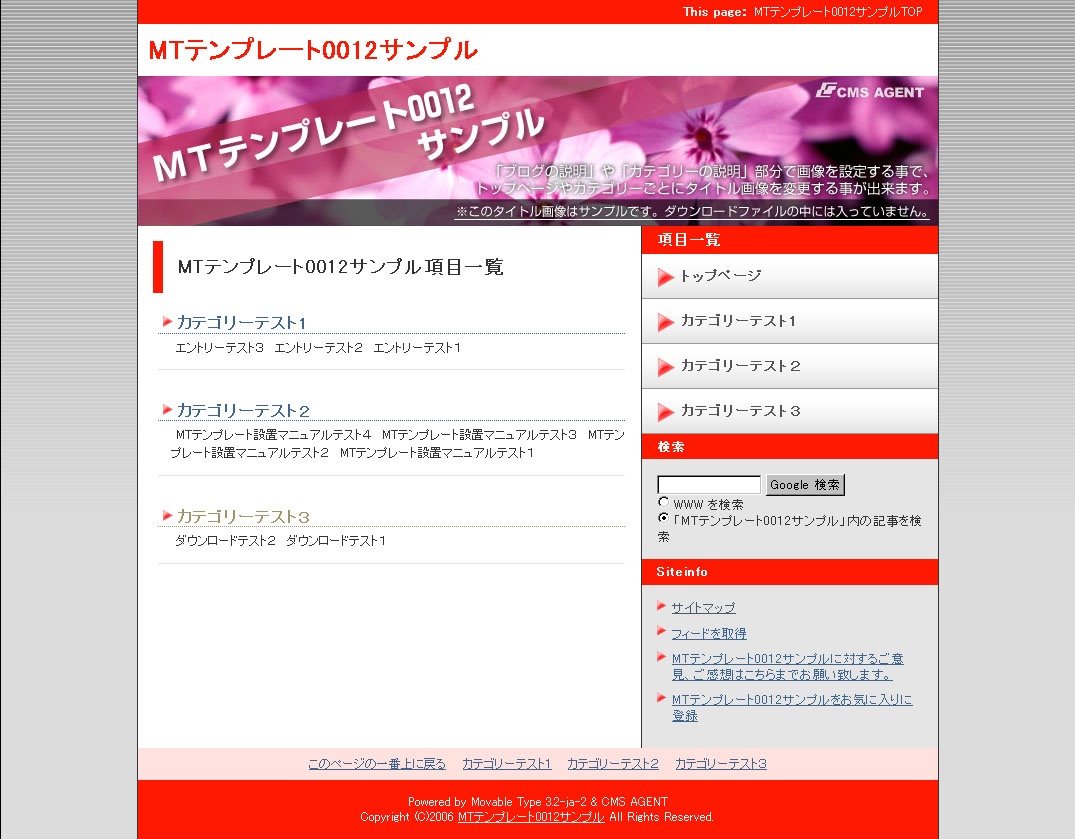
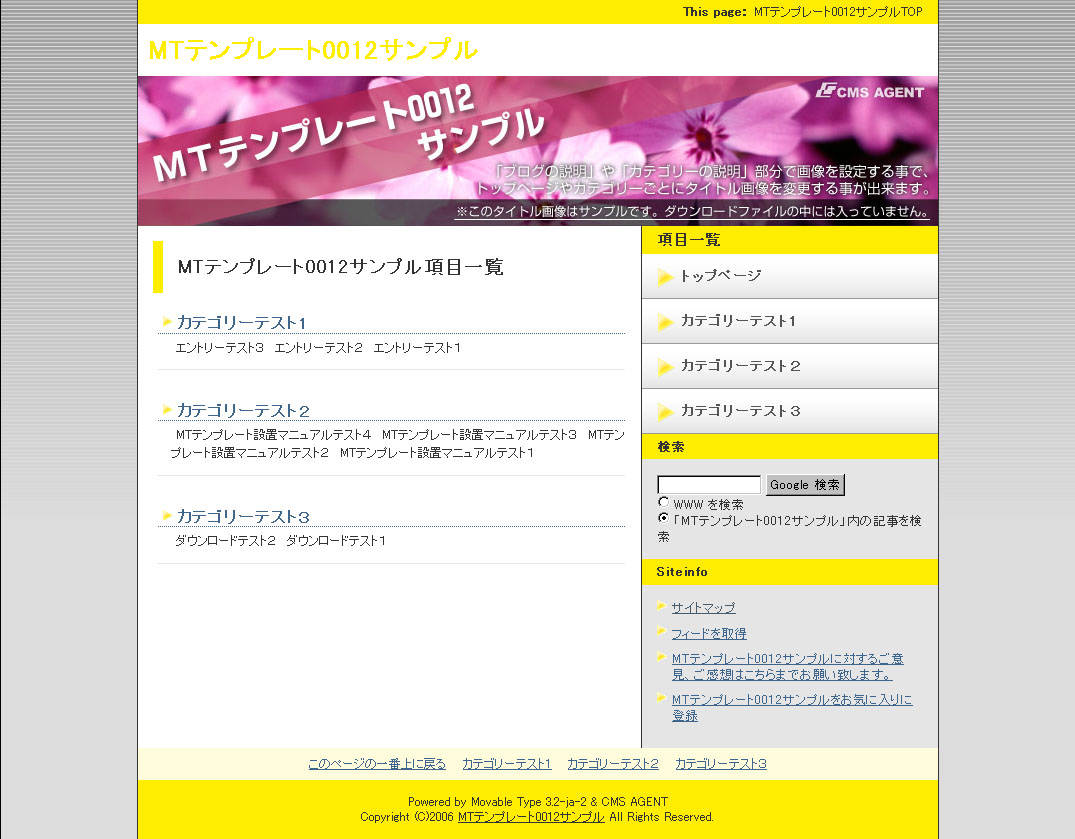
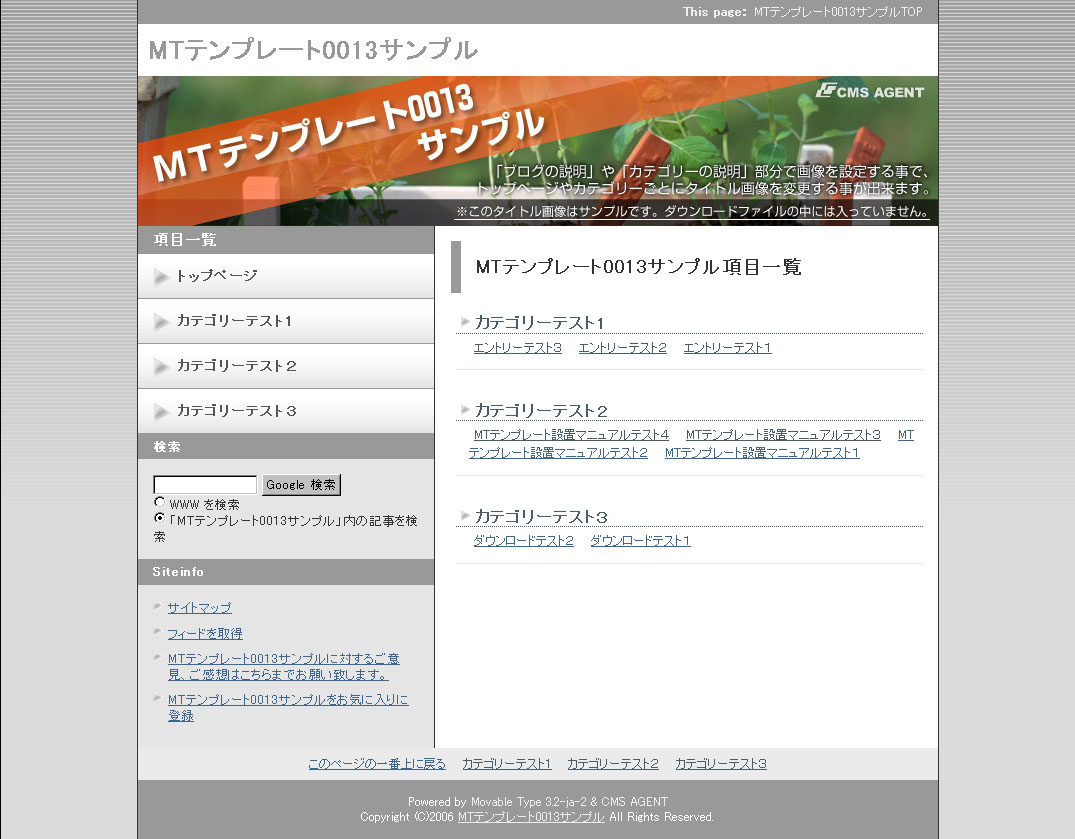
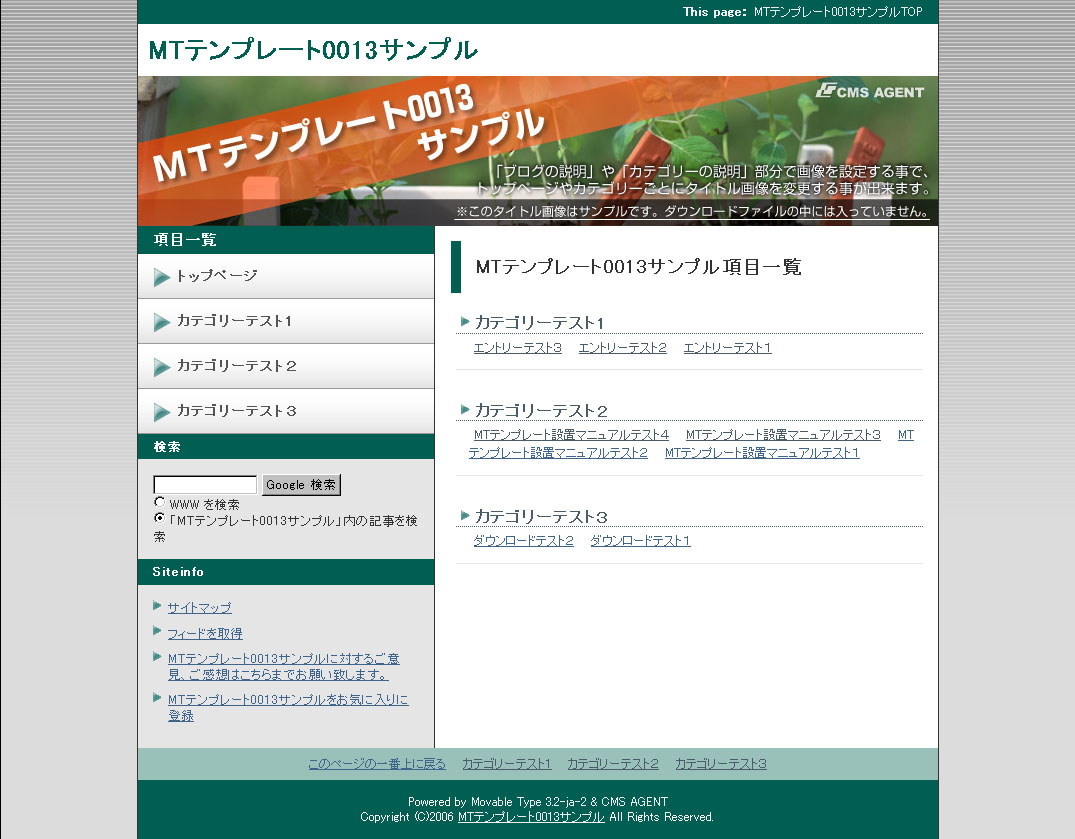
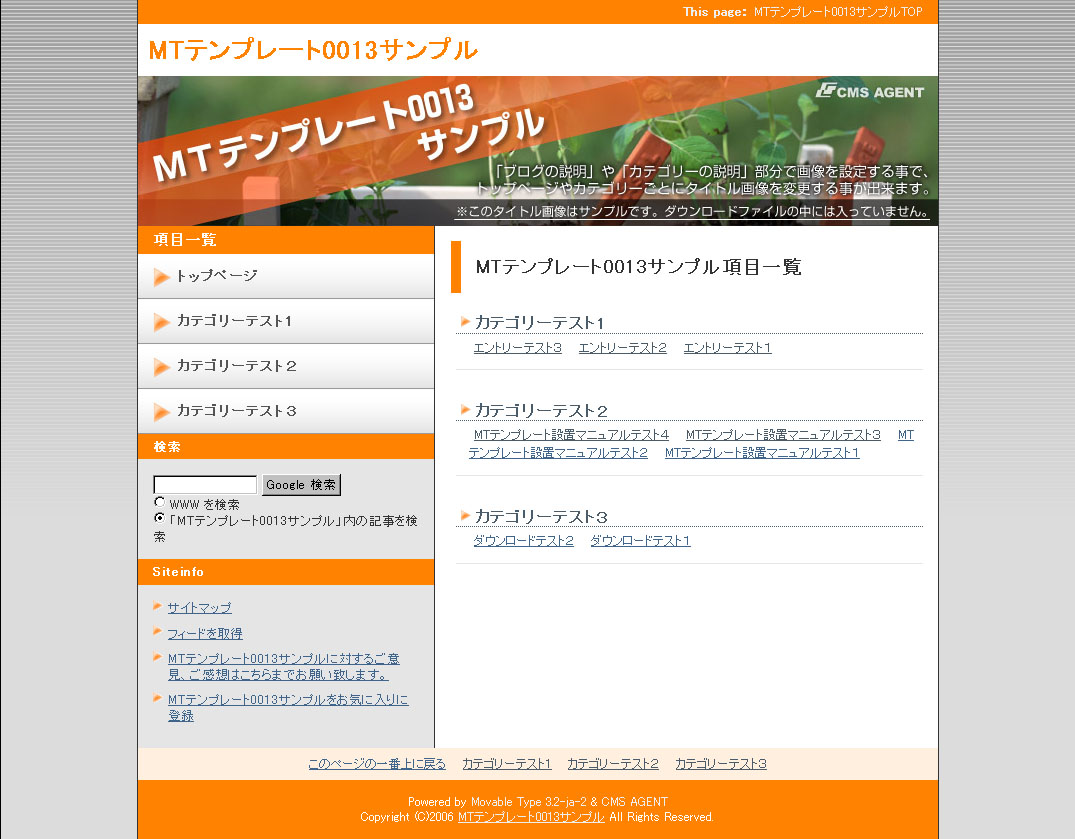
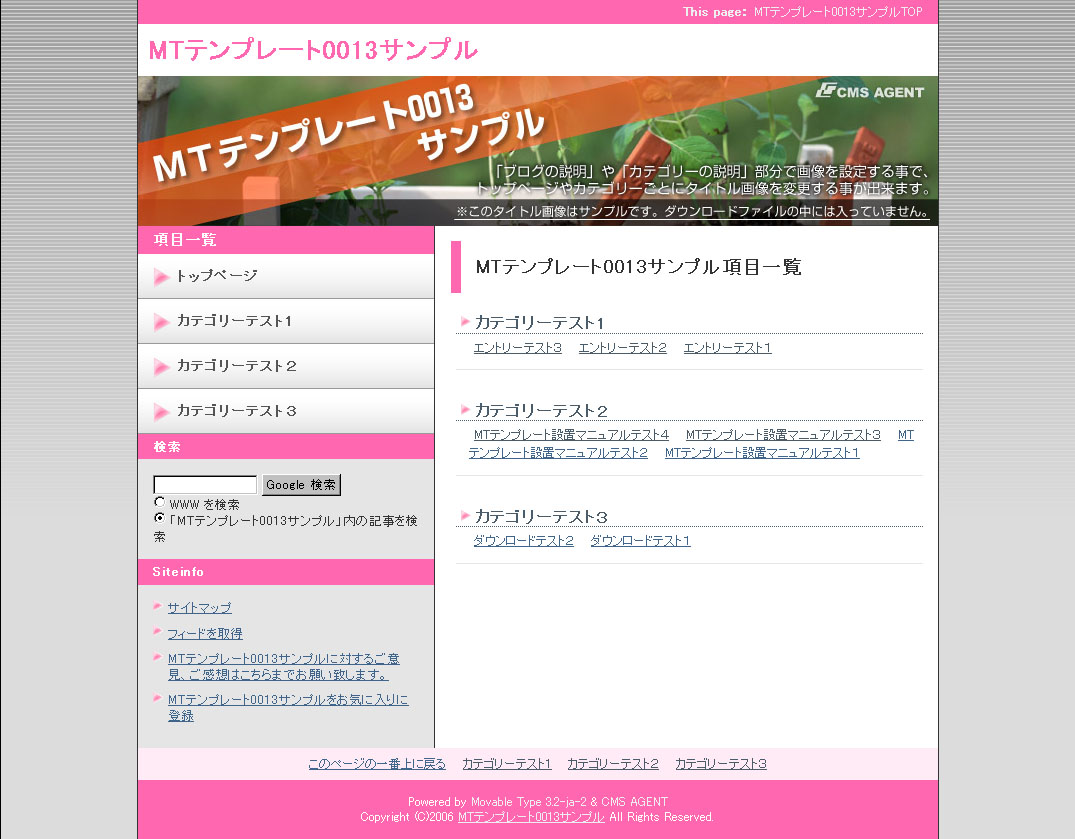
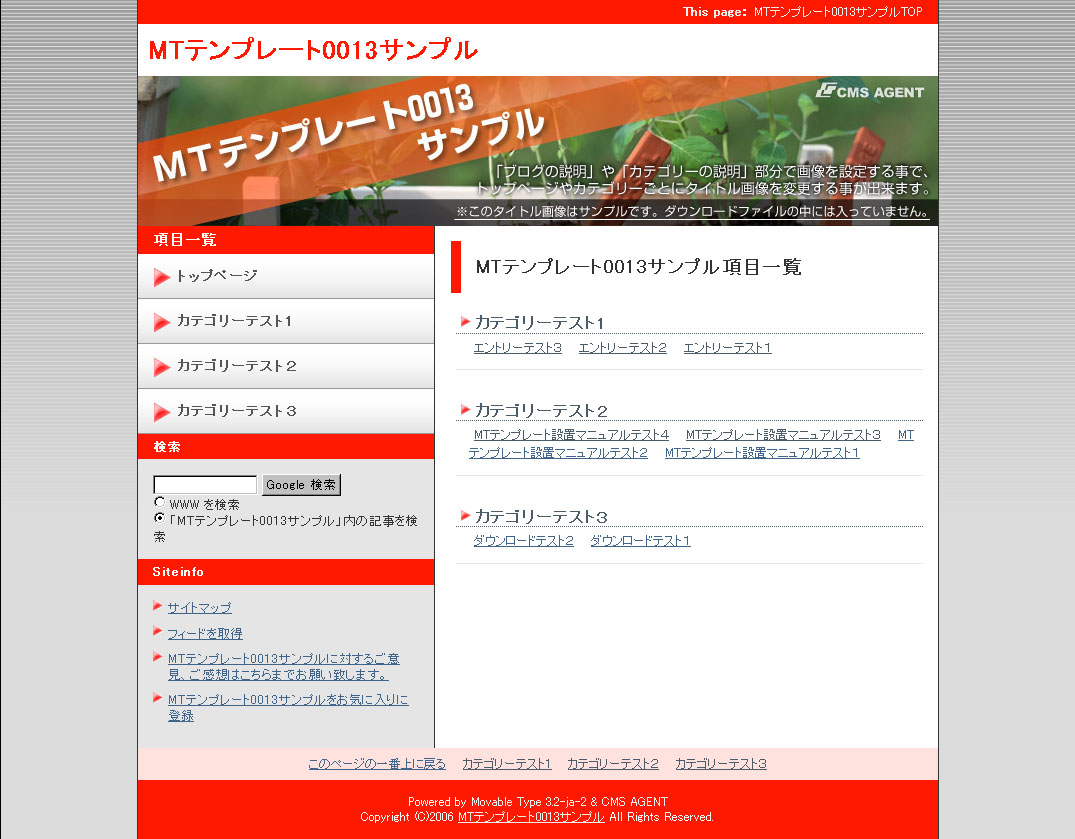
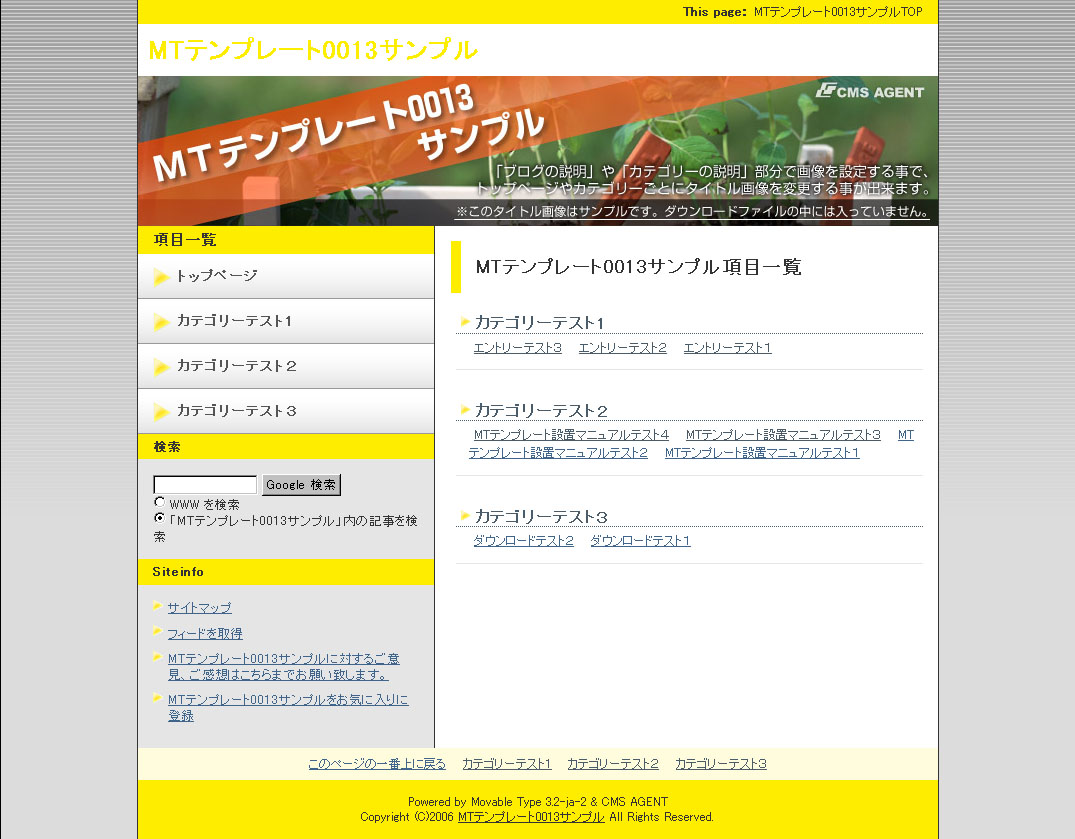
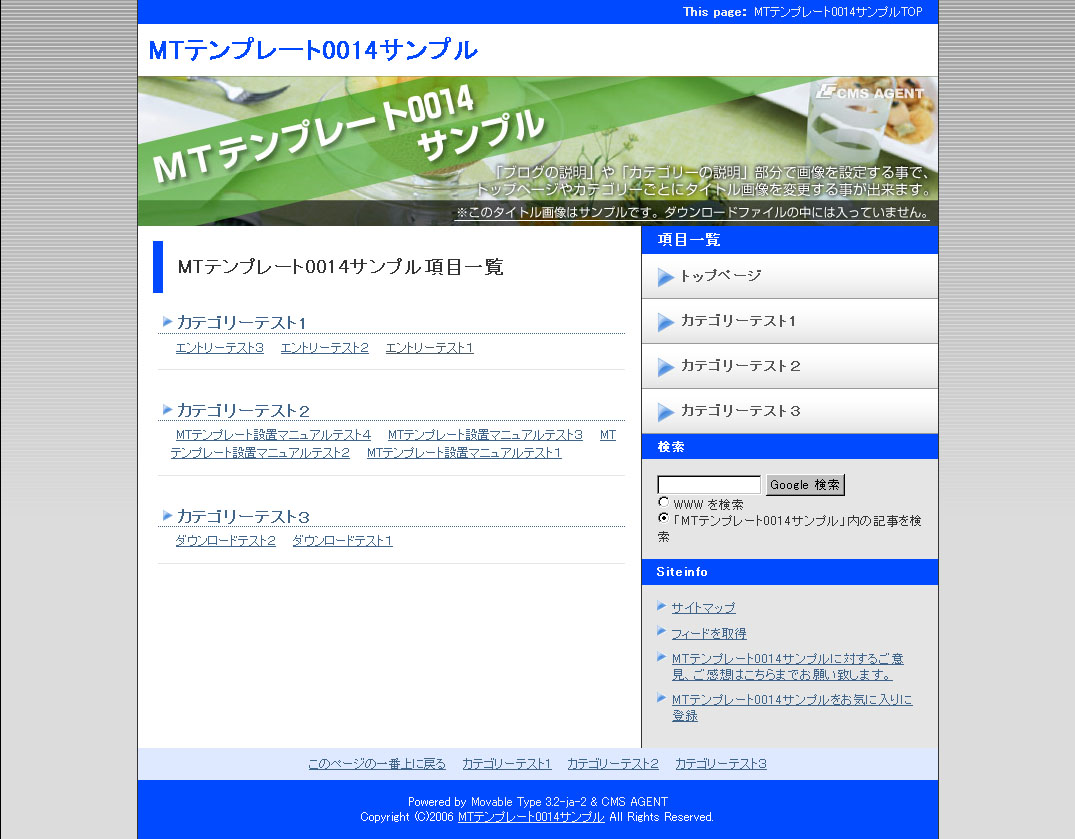
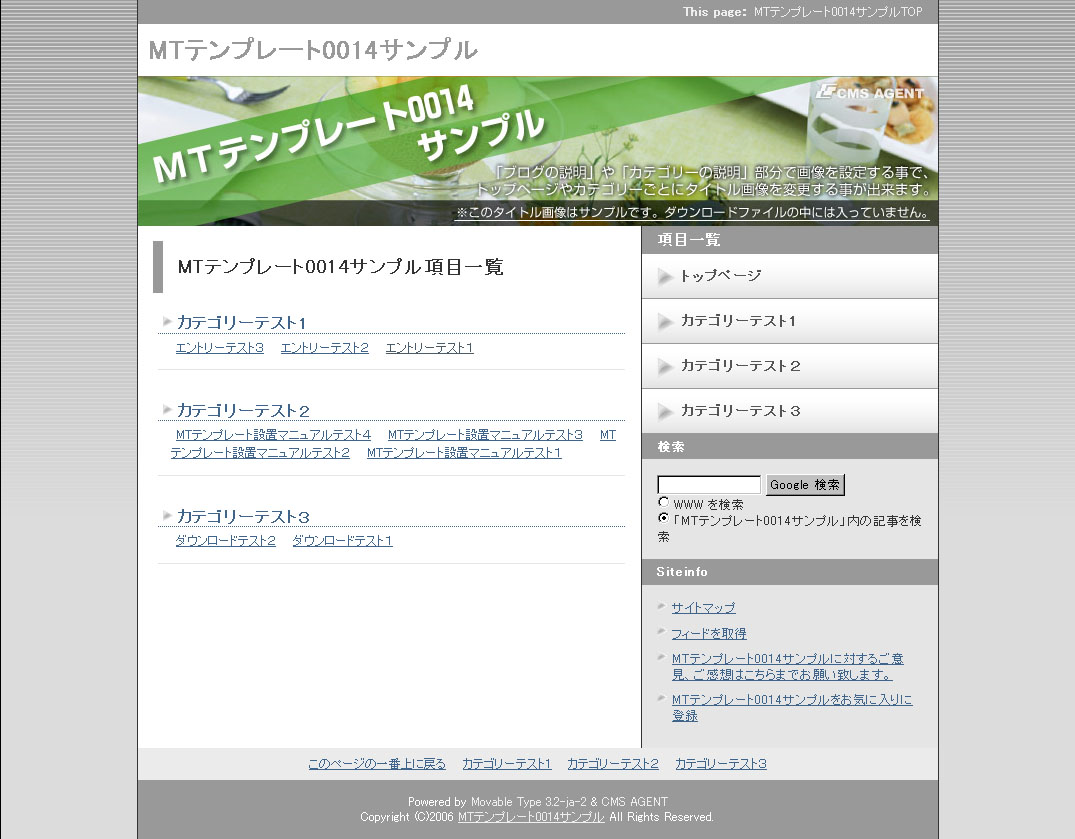
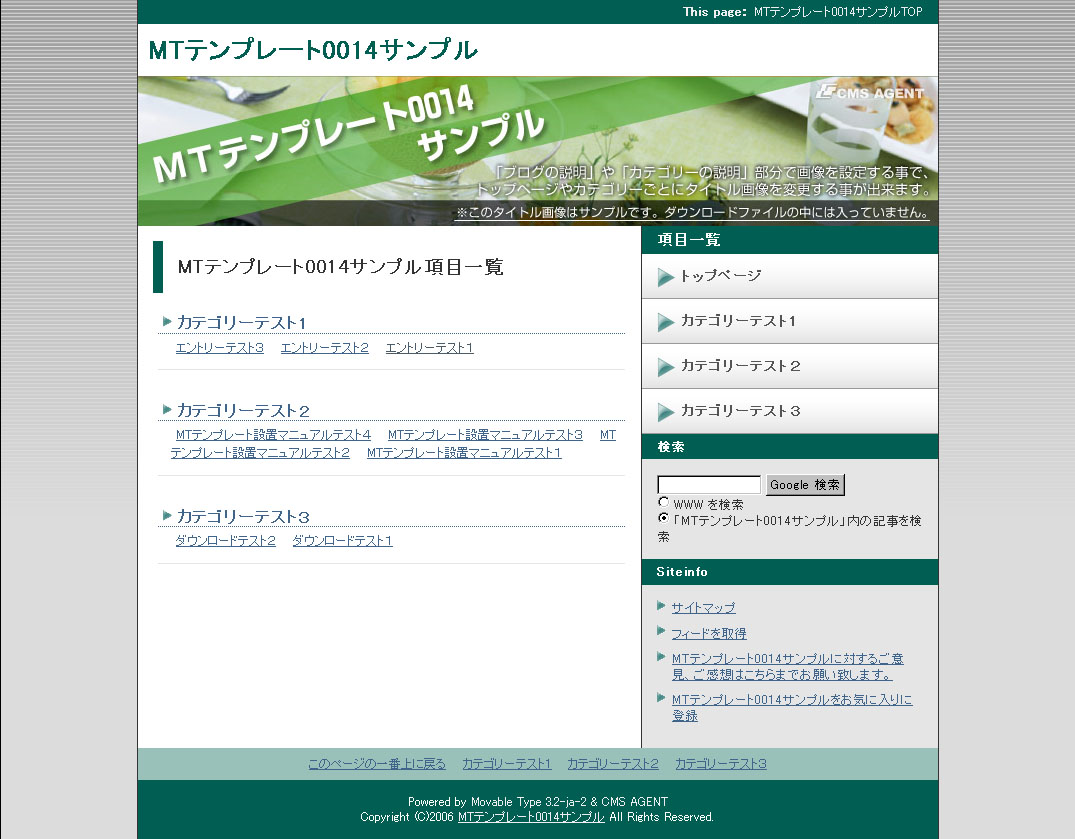
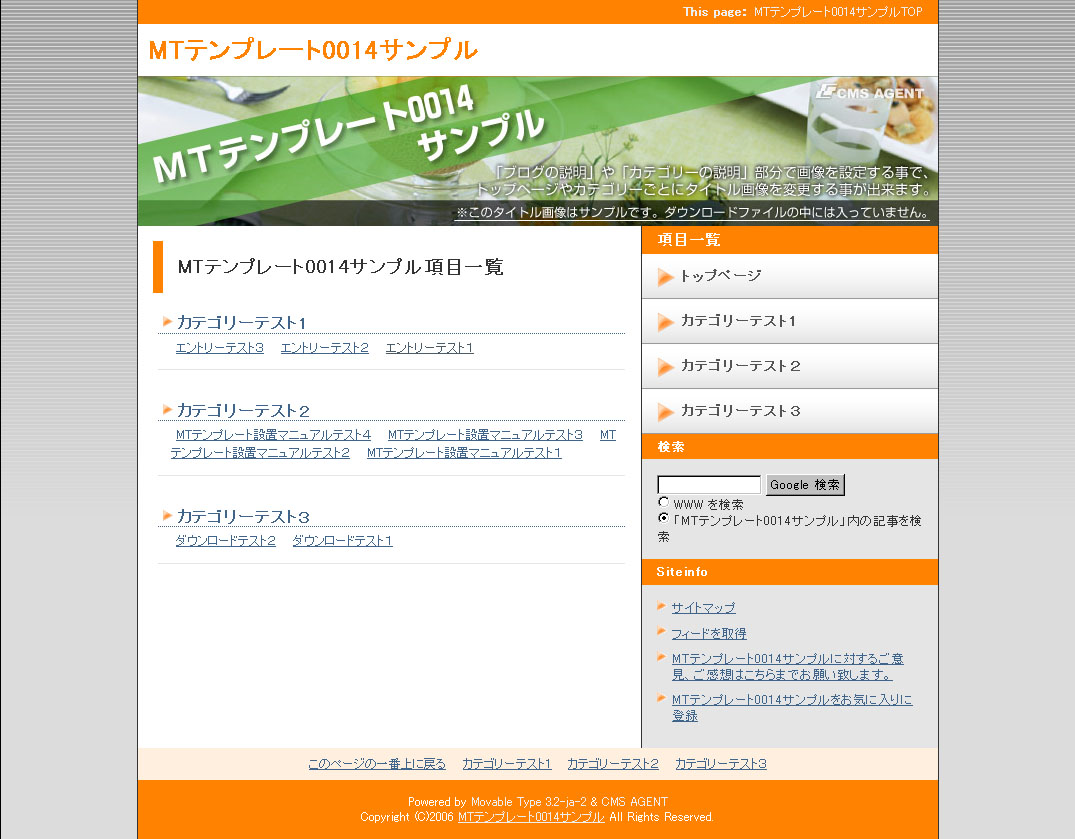
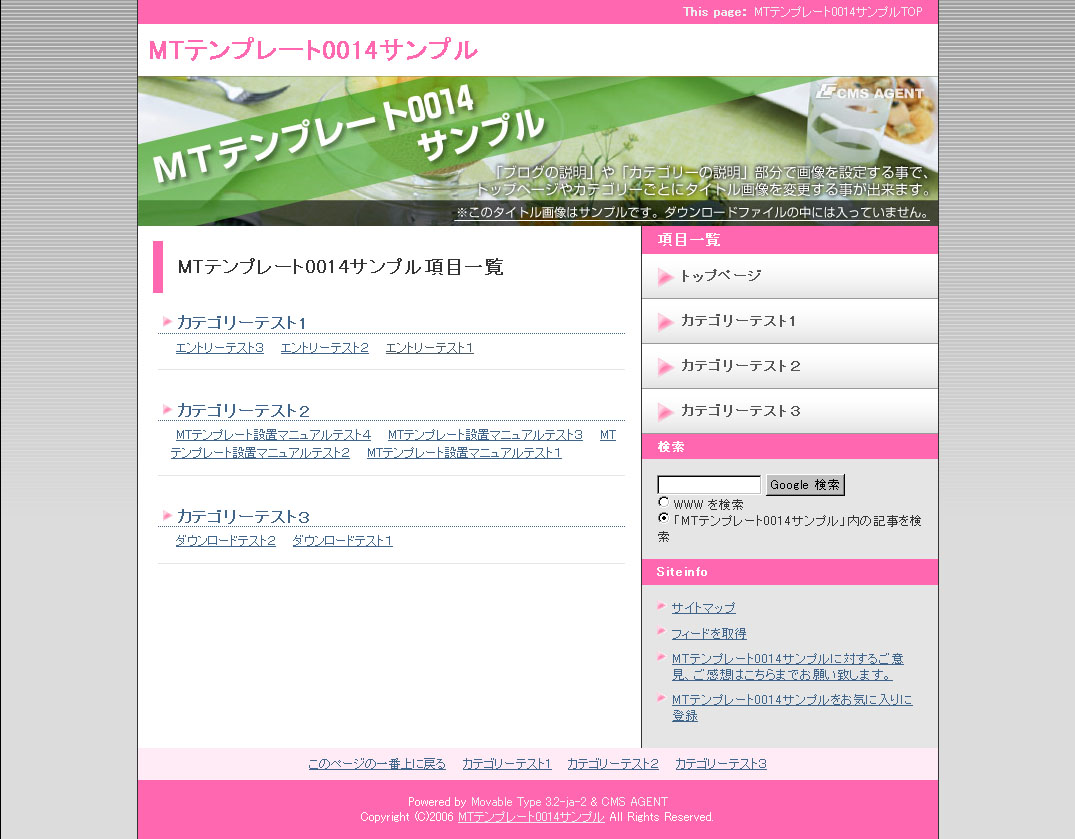
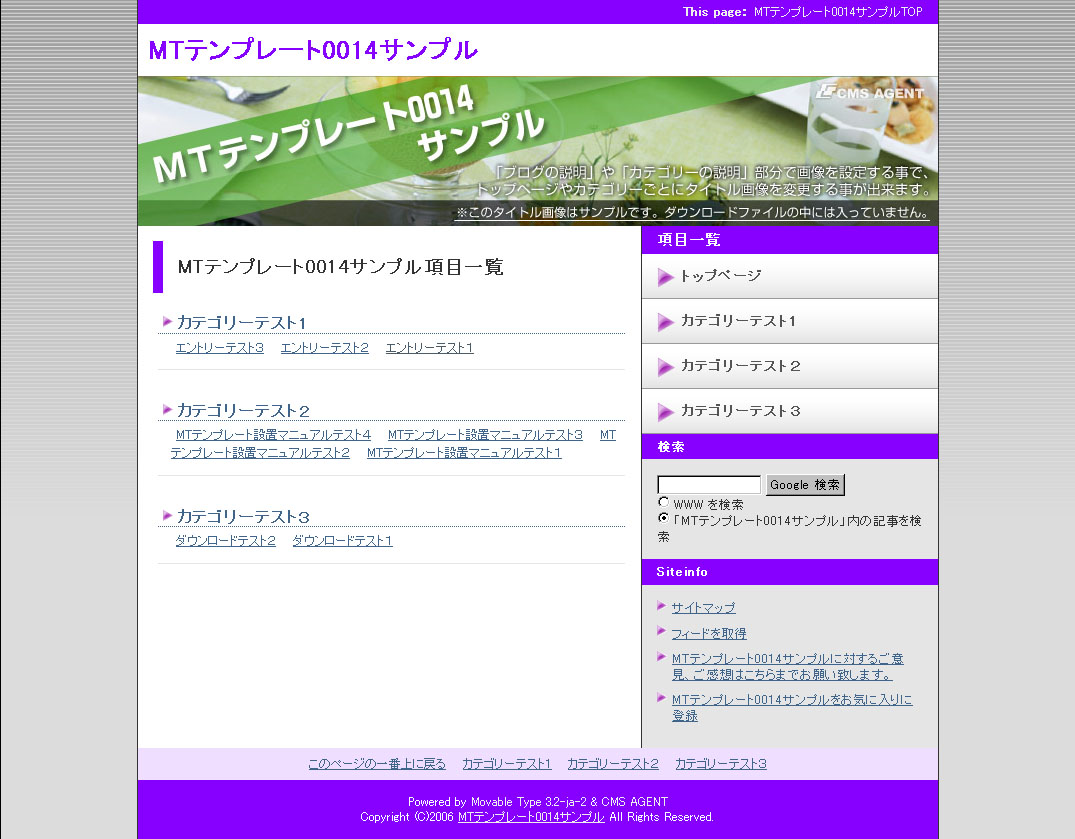
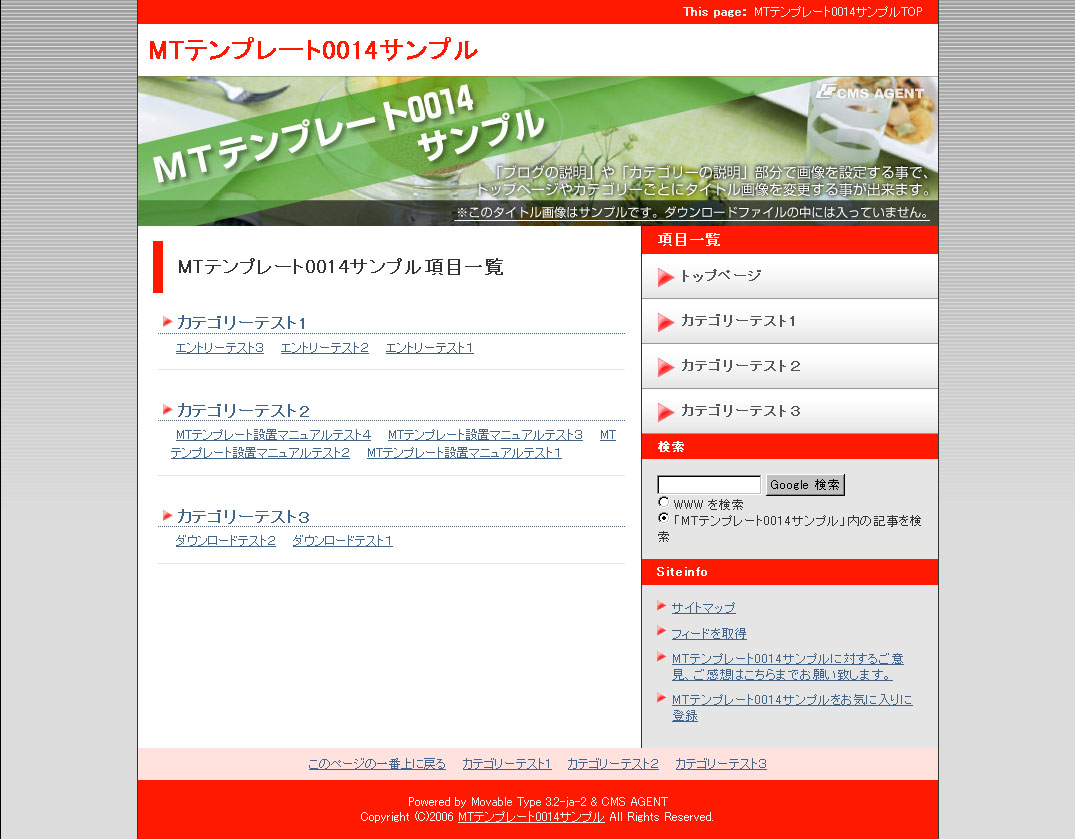
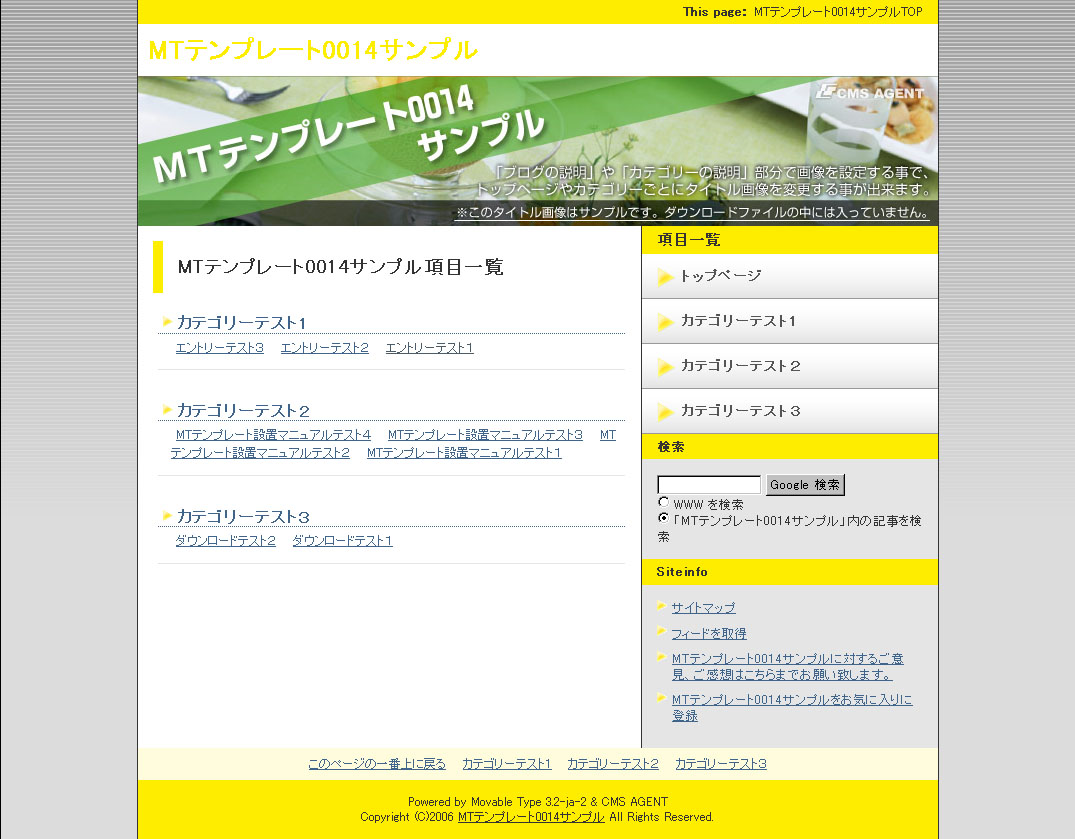
各カラーごとのスクリーンショット
<table cellpadding="5" border="0" style="text-align:center;"><tr><td><a href="http://mt200605.cmsagent.net/image/layout11/black01.jpg" target="_blank"><img src="http://mt200605.cmsagent.net/image/layout11/black02.jpg" alt="black02.jpg" width="85" height="66" />
black</a></td><td><a href="http://mt200605.cmsagent.net/image/layout11/blown01.jpg" target="_blank"><img src="http://mt200605.cmsagent.net/image/layout11/blown02.jpg" alt="blown02.jpg" width="85" height="66" />
blown</a></td><td><a href="http://mt200605.cmsagent.net/image/layout11/blue01.jpg" target="_blank"><img src="http://mt200605.cmsagent.net/image/layout11/blue02.jpg" alt="blue02.jpg" width="85" height="66" />
blue</a></td><td><a href="http://mt200605.cmsagent.net/image/layout11/gray01.jpg" target="_blank"><img src="http://mt200605.cmsagent.net/image/layout11/gray02.jpg" alt="gray02.jpg" width="85" height="66" />
gray</a></td><td><a href="http://mt200605.cmsagent.net/image/layout11/green01.jpg" target="_blank"><img src="http://mt200605.cmsagent.net/image/layout11/green02.jpg" alt="blue02.jpg" width="85" height="66" />
green</a></td></tr><tr><td><a href="http://mt200605.cmsagent.net/image/layout11/orange01.jpg" target="_blank"><img src="http://mt200605.cmsagent.net/image/layout11/orange02.jpg" alt="orange02.jpg" width="85" height="66" />
orange</a></td><td><a href="http://mt200605.cmsagent.net/image/layout11/pink01.jpg" target="_blank"><img src="http://mt200605.cmsagent.net/image/layout11/pink02.jpg" alt="pink02.jpg" width="85" height="66" />
pink</a></td><td><a href="http://mt200605.cmsagent.net/image/layout11/purple01.jpg" target="_blank"><img src="http://mt200605.cmsagent.net/image/layout11/purple02.jpg" alt="purple02.jpg" width="85" height="66" />
purple</a></td><td><a href="http://mt200605.cmsagent.net/image/layout11/red01.jpg" target="_blank"><img src="http://mt200605.cmsagent.net/image/layout11/red02.jpg" alt="red02.jpg" width="85" height="66" />
red</a></td><td><a href="http://mt200605.cmsagent.net/image/layout11/yellow01.jpg" target="_blank"><img src="http://mt200605.cmsagent.net/image/layout11/yellow02.jpg" alt="yellow02.jpg" width="85" height="66" />
yellow</a></td></tr></table>

※各ページのレイアウト配置図、注意点はテンプレートに同封されています。]]>
        
    </content>
</entry>
<entry>
    <title>サンプルページと各色のスクリーンショット</title>
    <link rel="alternate" type="text/html" href="http://mt200605.cmsagent.net/11212/post_5.html" />
    <link rel="service.edit" type="application/atom+xml" href="http://www.cmsagent.net/mt/mt-atom.cgi/weblog/blog_id=13/entry_id=107" title="サンプルページと各色のスクリーンショット" />
    <id>tag:www.cmsagent.net,2006:/mt-affiliate/200605//13.107</id>
    
    <published>2006-05-30T08:09:59Z</published>
    <updated>2007-04-11T02:10:05Z</updated>
    
    <summary>★このテンプレートを使ったサンプルサイト サンプルページを見る（黒色バージョン）...</summary>
    <author>
        <name></name>
        
    </author>
            <category term="112テンプレート12（右・カテゴリー型）" />
    
    <content type="html" xml:lang="ja" xml:base="http://mt200605.cmsagent.net/">
        <![CDATA[<strong>★このテンプレートを使ったサンプルサイト</strong>

<a href="http://www.cmsagent.net/blog12/" target="_blank">サンプルページを見る（黒色バージョン）</a>


<strong>★各カラーごとのスクリーンショット</strong>
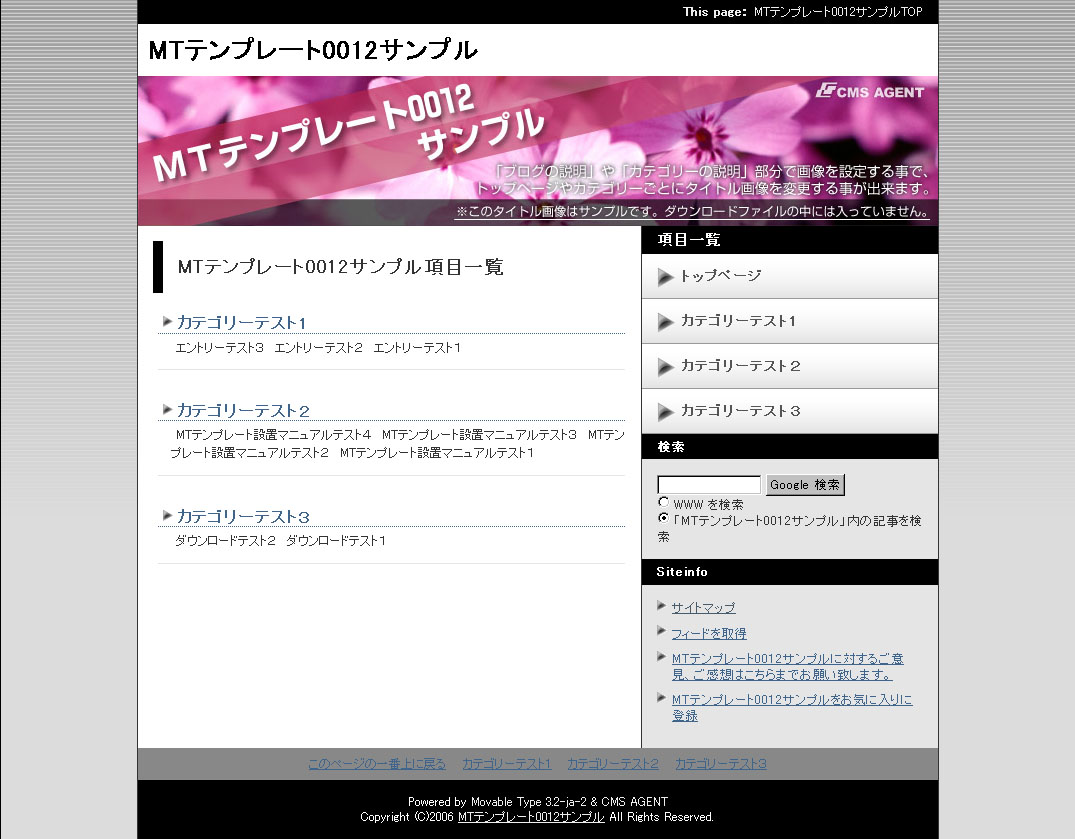
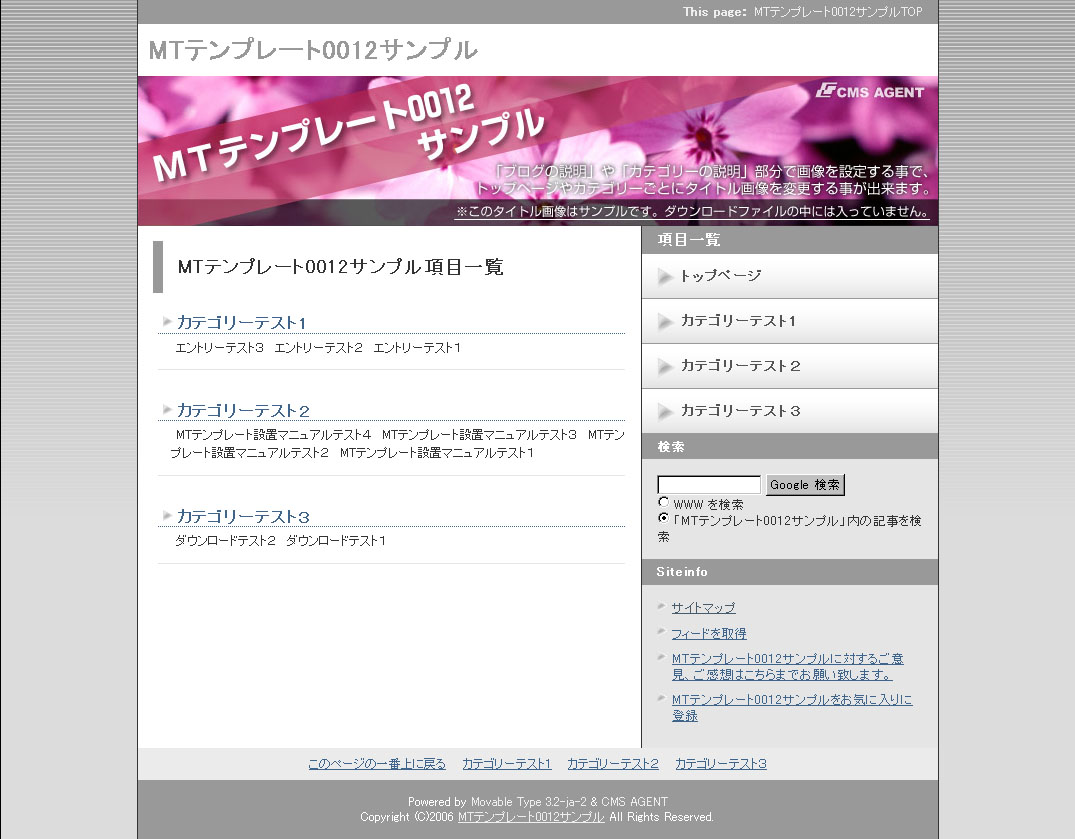
各カラーごとのスクリーンショット
<table cellpadding="5" border="0" style="text-align:center;"><tr><td><a href="http://mt200605.cmsagent.net/image/layout12/black01.jpg" target="_blank"><img src="http://mt200605.cmsagent.net/image/layout12/black02.jpg" alt="black02.jpg" width="85" height="66" />
black</a></td><td><a href="http://mt200605.cmsagent.net/image/layout12/blown01.jpg" target="_blank"><img src="http://mt200605.cmsagent.net/image/layout12/blown02.jpg" alt="blown02.jpg" width="85" height="66" />
blown</a></td><td><a href="http://mt200605.cmsagent.net/image/layout12/blue01.jpg" target="_blank"><img src="http://mt200605.cmsagent.net/image/layout12/blue02.jpg" alt="blue02.jpg" width="85" height="66" />
blue</a></td><td><a href="http://mt200605.cmsagent.net/image/layout12/gray01.jpg" target="_blank"><img src="http://mt200605.cmsagent.net/image/layout12/gray02.jpg" alt="gray02.jpg" width="85" height="66" />
gray</a></td><td><a href="http://mt200605.cmsagent.net/image/layout12/green01.jpg" target="_blank"><img src="http://mt200605.cmsagent.net/image/layout12/green02.jpg" alt="blue02.jpg" width="85" height="66" />
green</a></td></tr><tr><td><a href="http://mt200605.cmsagent.net/image/layout12/orange01.jpg" target="_blank"><img src="http://mt200605.cmsagent.net/image/layout12/orange02.jpg" alt="orange02.jpg" width="85" height="66" />
orange</a></td><td><a href="http://mt200605.cmsagent.net/image/layout12/pink01.jpg" target="_blank"><img src="http://mt200605.cmsagent.net/image/layout12/pink02.jpg" alt="pink02.jpg" width="85" height="66" />
pink</a></td><td><a href="http://mt200605.cmsagent.net/image/layout12/purple01.jpg" target="_blank"><img src="http://mt200605.cmsagent.net/image/layout12/purple02.jpg" alt="purple02.jpg" width="85" height="66" />
purple</a></td><td><a href="http://mt200605.cmsagent.net/image/layout12/red01.jpg" target="_blank"><img src="http://mt200605.cmsagent.net/image/layout12/red02.jpg" alt="red02.jpg" width="85" height="66" />
red</a></td><td><a href="http://mt200605.cmsagent.net/image/layout12/yellow01.jpg" target="_blank"><img src="http://mt200605.cmsagent.net/image/layout12/yellow02.jpg" alt="yellow02.jpg" width="85" height="66" />
yellow</a></td></tr></table>

※各ページのレイアウト配置図、注意点はテンプレートに同封されています。]]>
        
    </content>
</entry>
<entry>
    <title>サンプルページと各色のスクリーンショット</title>
    <link rel="alternate" type="text/html" href="http://mt200605.cmsagent.net/11313/post_6.html" />
    <link rel="service.edit" type="application/atom+xml" href="http://www.cmsagent.net/mt/mt-atom.cgi/weblog/blog_id=13/entry_id=108" title="サンプルページと各色のスクリーンショット" />
    <id>tag:www.cmsagent.net,2006:/mt-affiliate/200605//13.108</id>
    
    <published>2006-05-30T08:10:22Z</published>
    <updated>2007-04-11T02:10:26Z</updated>
    
    <summary>★このテンプレートを使ったサンプルサイト サンプルページを見る（緑色バージョン）...</summary>
    <author>
        <name></name>
        
    </author>
            <category term="113テンプレート13（左・エントリー型）" />
    
    <content type="html" xml:lang="ja" xml:base="http://mt200605.cmsagent.net/">
        <![CDATA[<strong>★このテンプレートを使ったサンプルサイト</strong>

<a href="http://www.cmsagent.net/blog13/" target="_blank">サンプルページを見る（緑色バージョン）</a>


<strong>★各カラーごとのスクリーンショット</strong>
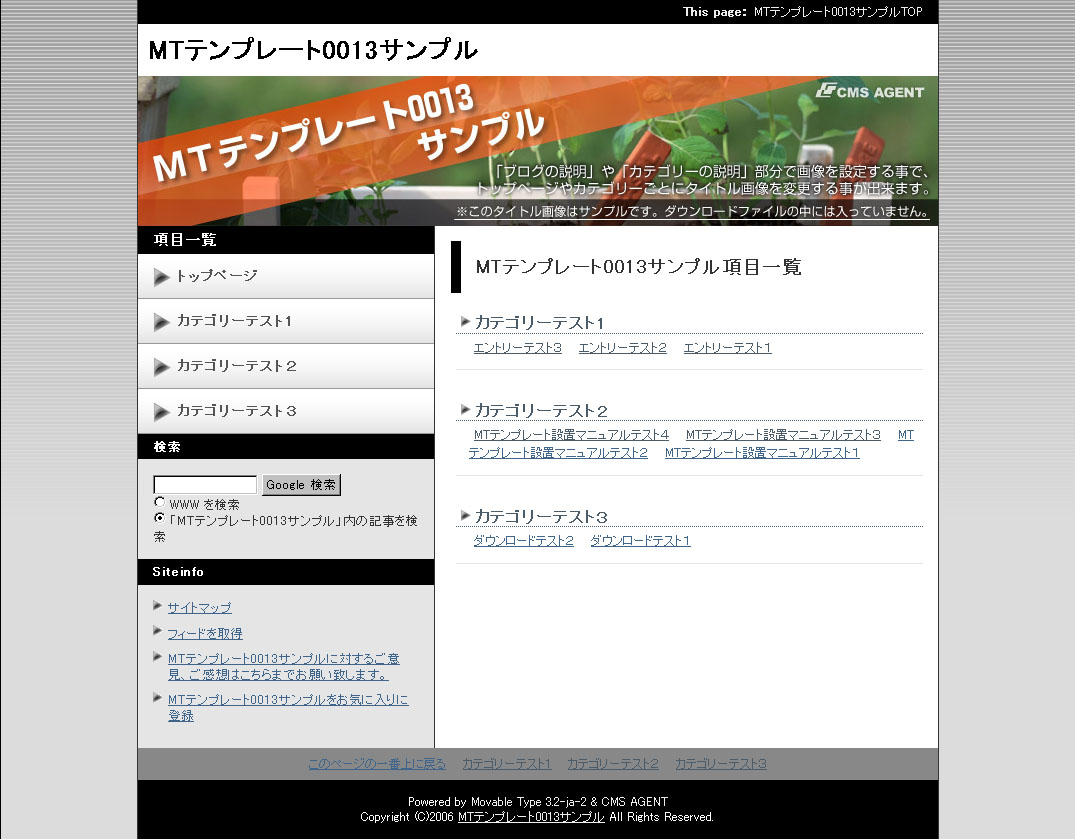
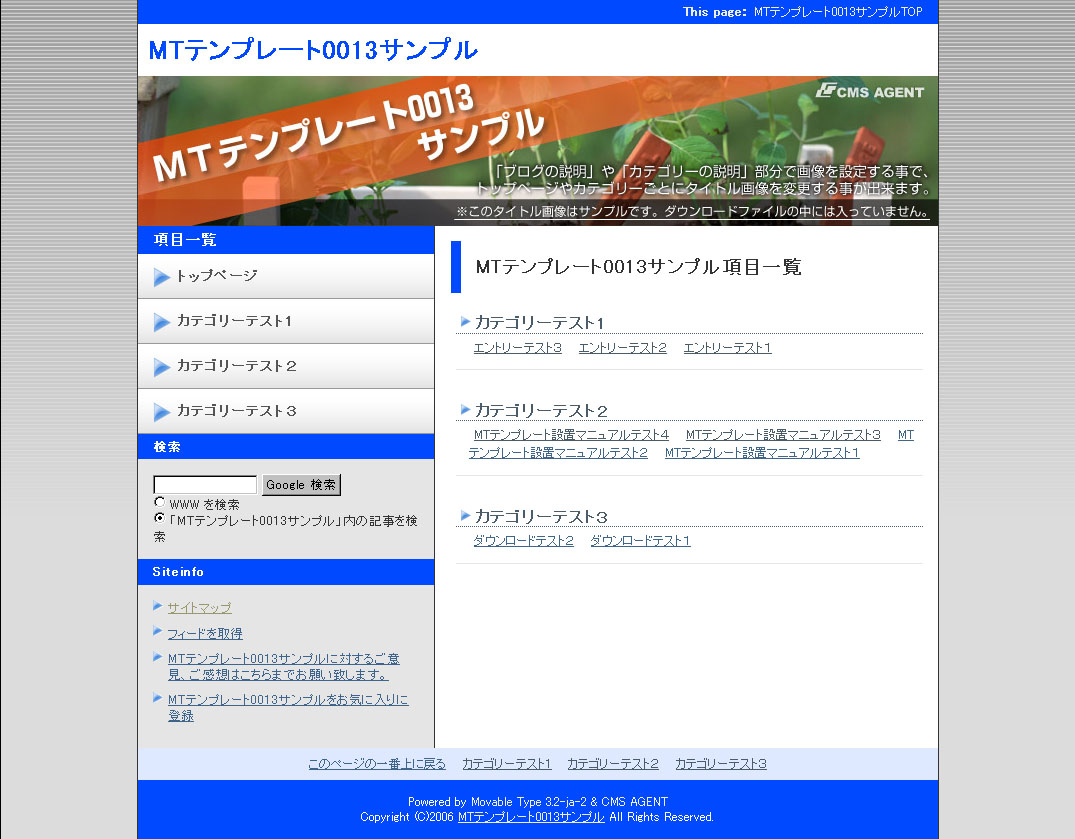
各カラーごとのスクリーンショット
<table cellpadding="5" border="0" style="text-align:center;"><tr><td><a href="http://mt200605.cmsagent.net/image/layout13/black01.jpg" target="_blank"><img src="http://mt200605.cmsagent.net/image/layout13/black02.jpg" alt="black02.jpg" width="85" height="66" />
black</a></td><td><a href="http://mt200605.cmsagent.net/image/layout13/blown01.jpg" target="_blank"><img src="http://mt200605.cmsagent.net/image/layout13/blown02.jpg" alt="blown02.jpg" width="85" height="66" />
blown</a></td><td><a href="http://mt200605.cmsagent.net/image/layout13/blue01.jpg" target="_blank"><img src="http://mt200605.cmsagent.net/image/layout13/blue02.jpg" alt="blue02.jpg" width="85" height="66" />
blue</a></td><td><a href="http://mt200605.cmsagent.net/image/layout13/gray01.jpg" target="_blank"><img src="http://mt200605.cmsagent.net/image/layout13/gray02.jpg" alt="gray02.jpg" width="85" height="66" />
gray</a></td><td><a href="http://mt200605.cmsagent.net/image/layout13/green01.jpg" target="_blank"><img src="http://mt200605.cmsagent.net/image/layout13/green02.jpg" alt="blue02.jpg" width="85" height="66" />
green</a></td></tr><tr><td><a href="http://mt200605.cmsagent.net/image/layout13/orange01.jpg" target="_blank"><img src="http://mt200605.cmsagent.net/image/layout13/orange02.jpg" alt="orange02.jpg" width="85" height="66" />
orange</a></td><td><a href="http://mt200605.cmsagent.net/image/layout13/pink01.jpg" target="_blank"><img src="http://mt200605.cmsagent.net/image/layout13/pink02.jpg" alt="pink02.jpg" width="85" height="66" />
pink</a></td><td><a href="http://mt200605.cmsagent.net/image/layout13/purple01.jpg" target="_blank"><img src="http://mt200605.cmsagent.net/image/layout13/purple02.jpg" alt="purple02.jpg" width="85" height="66" />
purple</a></td><td><a href="http://mt200605.cmsagent.net/image/layout13/red01.jpg" target="_blank"><img src="http://mt200605.cmsagent.net/image/layout13/red02.jpg" alt="red02.jpg" width="85" height="66" />
red</a></td><td><a href="http://mt200605.cmsagent.net/image/layout13/yellow01.jpg" target="_blank"><img src="http://mt200605.cmsagent.net/image/layout13/yellow02.jpg" alt="yellow02.jpg" width="85" height="66" />
yellow</a></td></tr></table>

※各ページのレイアウト配置図、注意点はテンプレートに同封されています。]]>
        
    </content>
</entry>
<entry>
    <title>サンプルページと各色のスクリーンショット</title>
    <link rel="alternate" type="text/html" href="http://mt200605.cmsagent.net/11414/post_7.html" />
    <link rel="service.edit" type="application/atom+xml" href="http://www.cmsagent.net/mt/mt-atom.cgi/weblog/blog_id=13/entry_id=109" title="サンプルページと各色のスクリーンショット" />
    <id>tag:www.cmsagent.net,2006:/mt-affiliate/200605//13.109</id>
    
    <published>2006-05-30T08:10:38Z</published>
    <updated>2007-04-11T02:10:43Z</updated>
    
    <summary>★このテンプレートを使ったサンプルサイト サンプルページを見る（緑色バージョン）...</summary>
    <author>
        <name></name>
        
    </author>
            <category term="114テンプレート14（右・エントリー型）" />
    
    <content type="html" xml:lang="ja" xml:base="http://mt200605.cmsagent.net/">
        <![CDATA[<strong>★このテンプレートを使ったサンプルサイト</strong>

<a href="http://www.cmsagent.net/blog14/" target="_blank">サンプルページを見る（緑色バージョン）</a>


<strong>★各カラーごとのスクリーンショット</strong>
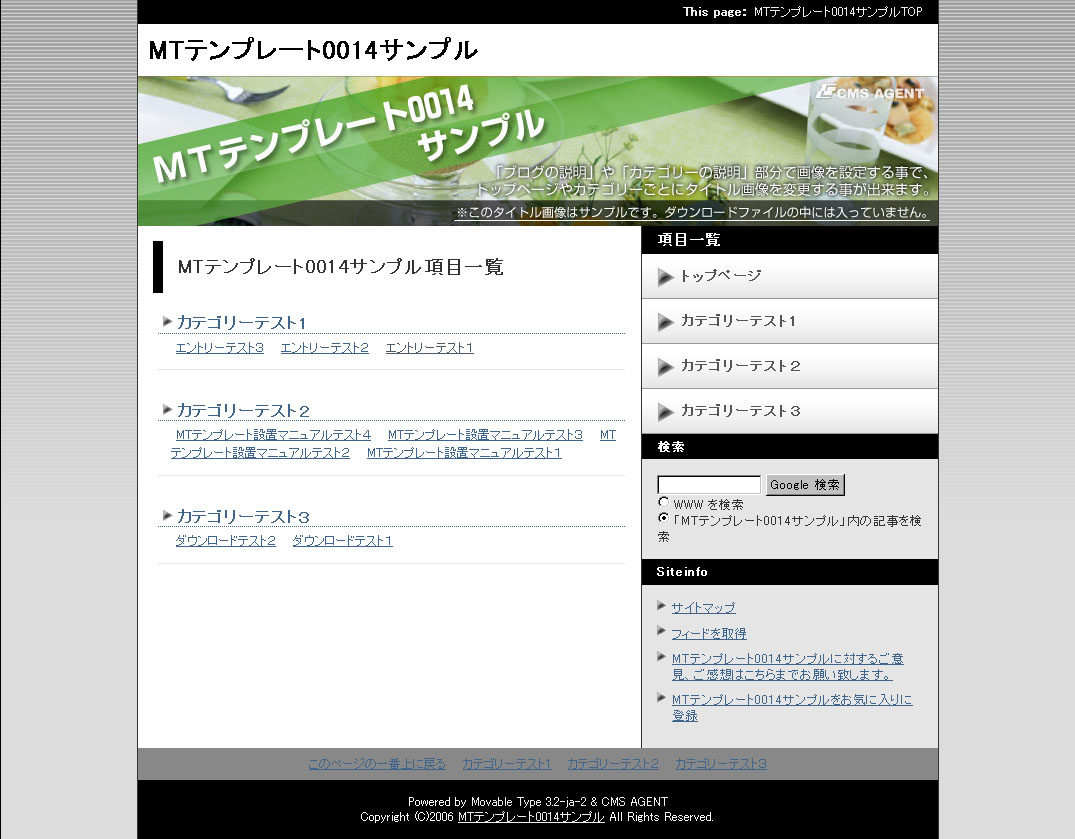
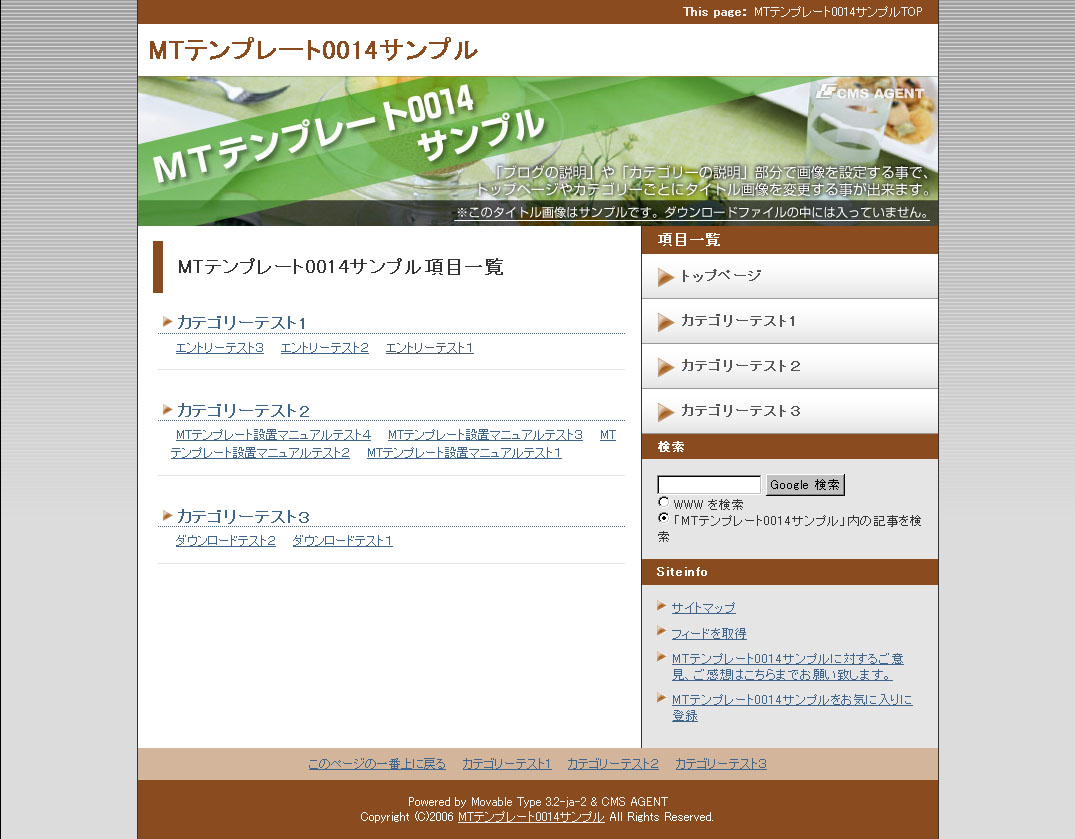
各カラーごとのスクリーンショット
<table cellpadding="5" border="0" style="text-align:center;"><tr><td><a href="http://mt200605.cmsagent.net/image/layout14/black01.jpg" target="_blank"><img src="http://mt200605.cmsagent.net/image/layout14/black02.jpg" alt="black02.jpg" width="85" height="66" />
black</a></td><td><a href="http://mt200605.cmsagent.net/image/layout14/blown01.jpg" target="_blank"><img src="http://mt200605.cmsagent.net/image/layout14/blown02.jpg" alt="blown02.jpg" width="85" height="66" />
blown</a></td><td><a href="http://mt200605.cmsagent.net/image/layout14/blue01.jpg" target="_blank"><img src="http://mt200605.cmsagent.net/image/layout14/blue02.jpg" alt="blue02.jpg" width="85" height="66" />
blue</a></td><td><a href="http://mt200605.cmsagent.net/image/layout14/gray01.jpg" target="_blank"><img src="http://mt200605.cmsagent.net/image/layout14/gray02.jpg" alt="gray02.jpg" width="85" height="66" />
gray</a></td><td><a href="http://mt200605.cmsagent.net/image/layout14/green01.jpg" target="_blank"><img src="http://mt200605.cmsagent.net/image/layout14/green02.jpg" alt="blue02.jpg" width="85" height="66" />
green</a></td></tr><tr><td><a href="http://mt200605.cmsagent.net/image/layout14/orange01.jpg" target="_blank"><img src="http://mt200605.cmsagent.net/image/layout14/orange02.jpg" alt="orange02.jpg" width="85" height="66" />
orange</a></td><td><a href="http://mt200605.cmsagent.net/image/layout14/pink01.jpg" target="_blank"><img src="http://mt200605.cmsagent.net/image/layout14/pink02.jpg" alt="pink02.jpg" width="85" height="66" />
pink</a></td><td><a href="http://mt200605.cmsagent.net/image/layout14/purple01.jpg" target="_blank"><img src="http://mt200605.cmsagent.net/image/layout14/purple02.jpg" alt="purple02.jpg" width="85" height="66" />
purple</a></td><td><a href="http://mt200605.cmsagent.net/image/layout14/red01.jpg" target="_blank"><img src="http://mt200605.cmsagent.net/image/layout14/red02.jpg" alt="red02.jpg" width="85" height="66" />
red</a></td><td><a href="http://mt200605.cmsagent.net/image/layout14/yellow01.jpg" target="_blank"><img src="http://mt200605.cmsagent.net/image/layout14/yellow02.jpg" alt="yellow02.jpg" width="85" height="66" />
yellow</a></td></tr></table>

※各ページのレイアウト配置図、注意点はテンプレートに同封されています。]]>
        
    </content>
</entry>
<entry>
    <title>ダウンロードはこちらから（MT3.3x/MT4.1x/MT4.2x対応）</title>
    <link rel="alternate" type="text/html" href="http://mt200605.cmsagent.net/11111/post_8.html" />
    <link rel="service.edit" type="application/atom+xml" href="http://www.cmsagent.net/mt/mt-atom.cgi/weblog/blog_id=13/entry_id=110" title="ダウンロードはこちらから（MT3.3x/MT4.1x/MT4.2x対応）" />
    <id>tag:www.cmsagent.net,2006:/mt-affiliate/200605//13.110</id>
    
    <published>2006-05-30T08:11:18Z</published>
    <updated>2009-05-03T10:16:26Z</updated>
    
    <summary>お使いいただくテンプレートデザインをご参考の上、テンプレートファイルをダウンロー...</summary>
    <author>
        <name></name>
        
    </author>
            <category term="111テンプレート11（左・カテゴリー型）" />
            <category term="112テンプレート12（右・カテゴリー型）" />
            <category term="113テンプレート13（左・エントリー型）" />
            <category term="114テンプレート14（右・エントリー型）" />
    
    <content type="html" xml:lang="ja" xml:base="http://mt200605.cmsagent.net/">
        <![CDATA[お使いいただくテンプレートデザインをご参考の上、テンプレートファイルをダウンロードしてください。ファイル形式は、「zipファイル」となっております。

<h3>MT3.3x対応テンプレート</h3>

<strong><a href="http://mt200605.cmsagent.net/dawnload/template0011-14.zip">このテンプレートをダウンロードする　>></a></strong>

テンプレートの設置の仕方については、設置マニュアルを同封しています。
必ずご覧の上設置していただけますようよろしくお願いします。
上記には、テンプレート11～14すべてが含まれています。


<h3>MT4.1x対応テンプレート</h3>

<strong><a href="http://mt200605.cmsagent.net/dawnload/template0011-14-mt4.zip">このテンプレートをダウンロードする　>></a></strong>

<h3>MT4.2x対応テンプレート</h3>

<strong><a href="http://mt200605.cmsagent.net/dawnload/Template0011-14-mt42.zip">このテンプレートをダウンロードする　>></a></strong>

上記には、テンプレート11～14すべてが含まれています。

・<a href="http://www.cmsagent.net/mt-affiliate/report/readme_11-14_mt4.1x.pdf">はじめにお読みください（テンプレート11-14・MT4用）</a>
・<a href="http://www.cmsagent.net/mt-affiliate/report/template-setting-mt4-2.pdf">テンプレート設置マニュアル（MT4対応版）</a>
・<a href="http://www.cmsagent.net/mt-affiliate/report/template-master.pdf">テンプレート使いこなしマニュアル（MT3・MT4対応版）</a>


※ ダウンロードには、購入者専用ID、パスワードが必要となります。]]>
        
    </content>
</entry>
<entry>
    <title>トップ画像［1～50］のダウンロードはこちら</title>
    <link rel="alternate" type="text/html" href="http://mt200605.cmsagent.net/120/150.html" />
    <link rel="service.edit" type="application/atom+xml" href="http://www.cmsagent.net/mt/mt-atom.cgi/weblog/blog_id=13/entry_id=122" title="トップ画像［1～50］のダウンロードはこちら" />
    <id>tag:www.cmsagent.net,2006:/mt-affiliate/200605//13.122</id>
    
    <published>2006-06-05T08:04:39Z</published>
    <updated>2007-04-11T02:15:53Z</updated>
    
    <summary>トップ画像［1～50］のダウンロードはこちら （2006年5月8日公開） ※ 2...</summary>
    <author>
        <name></name>
        
    </author>
            <category term="120特典レポートとトップ画像" />
    
    <content type="html" xml:lang="ja" xml:base="http://mt200605.cmsagent.net/">
        <![CDATA[<strong><a href="http://mt200605.cmsagent.net/dawnload/back-title001-050.zip">トップ画像［1～50］のダウンロードはこちら</a></strong>
（2006年5月8日公開）

※ 2006年5月に新規に作成したトップ画像となります。
※ 上記ダウンロードには、購入者専用ID、パスワードが必要となります。]]>
        
    </content>
</entry>
<entry>
    <title>トップ画像［51～100］のダウンロードはこちら</title>
    <link rel="alternate" type="text/html" href="http://mt200605.cmsagent.net/120/51100.html" />
    <link rel="service.edit" type="application/atom+xml" href="http://www.cmsagent.net/mt/mt-atom.cgi/weblog/blog_id=13/entry_id=123" title="トップ画像［51～100］のダウンロードはこちら" />
    <id>tag:www.cmsagent.net,2006:/mt-affiliate/200605//13.123</id>
    
    <published>2006-06-05T08:07:41Z</published>
    <updated>2007-04-11T02:21:38Z</updated>
    
    <summary>トップ画像［51～100］のダウンロードはこちら （2006年5月8日公開） ※...</summary>
    <author>
        <name></name>
        
    </author>
            <category term="120特典レポートとトップ画像" />
    
    <content type="html" xml:lang="ja" xml:base="http://mt200605.cmsagent.net/">
        <![CDATA[<strong><a href="http://mt200605.cmsagent.net/dawnload/back-title051-100.zip">トップ画像［51～100］のダウンロードはこちら</a></strong>
（2006年5月8日公開）

※ 2006年5月に新規に作成したトップ画像となります。
※ 上記ダウンロードには、購入者専用ID、パスワードが必要となります。]]>
        
    </content>
</entry>
<entry>
    <title>トップ画像［101～150］のダウンロードはこちら</title>
    <link rel="alternate" type="text/html" href="http://mt200605.cmsagent.net/120/101150.html" />
    <link rel="service.edit" type="application/atom+xml" href="http://www.cmsagent.net/mt/mt-atom.cgi/weblog/blog_id=13/entry_id=124" title="トップ画像［101～150］のダウンロードはこちら" />
    <id>tag:www.cmsagent.net,2006:/mt-affiliate/200605//13.124</id>
    
    <published>2006-06-05T08:08:20Z</published>
    <updated>2007-04-11T02:21:19Z</updated>
    
    <summary>トップ画像［101～150］のダウンロードはこちら （2006年6月5日公開） ...</summary>
    <author>
        <name></name>
        
    </author>
            <category term="120特典レポートとトップ画像" />
    
    <content type="html" xml:lang="ja" xml:base="http://mt200605.cmsagent.net/">
        <![CDATA[<strong><a href="http://mt200605.cmsagent.net/dawnload/back-title101-150.zip">トップ画像［101～150］のダウンロードはこちら</a></strong>
（2006年6月5日公開）

※ 2006年5月に新規に作成したトップ画像となります。
※ 上記ダウンロードには、購入者専用ID、パスワードが必要となります。]]>
        
    </content>
</entry>
<entry>
    <title>トップ画像［151～200］のダウンロードはこちら</title>
    <link rel="alternate" type="text/html" href="http://mt200605.cmsagent.net/120/151200.html" />
    <link rel="service.edit" type="application/atom+xml" href="http://www.cmsagent.net/mt/mt-atom.cgi/weblog/blog_id=13/entry_id=125" title="トップ画像［151～200］のダウンロードはこちら" />
    <id>tag:www.cmsagent.net,2006:/mt-affiliate/200605//13.125</id>
    
    <published>2006-06-05T08:10:04Z</published>
    <updated>2007-04-11T02:20:02Z</updated>
    
    <summary>トップ画像［151～200］のダウンロードはこちら （2006年6月5日公開） ...</summary>
    <author>
        <name></name>
        
    </author>
            <category term="120特典レポートとトップ画像" />
    
    <content type="html" xml:lang="ja" xml:base="http://mt200605.cmsagent.net/">
        <![CDATA[<strong><a href="http://mt200605.cmsagent.net/dawnload/back-title151-200.zip">トップ画像［151～200］のダウンロードはこちら</a></strong>
（2006年6月5日公開）

※ 2006年5月に新規に作成したトップ画像となります。
※ 上記ダウンロードには、購入者専用ID、パスワードが必要となります。]]>
        
    </content>
</entry>
<entry>
    <title>クリック単価の高いキーワードを調べる方法</title>
    <link rel="alternate" type="text/html" href="http://mt200605.cmsagent.net/120/post_13.html" />
    <link rel="service.edit" type="application/atom+xml" href="http://www.cmsagent.net/mt/mt-atom.cgi/weblog/blog_id=13/entry_id=115" title="クリック単価の高いキーワードを調べる方法" />
    <id>tag:www.cmsagent.net,2006:/mt-affiliate/200605//13.115</id>
    
    <published>2006-06-10T08:48:59Z</published>
    <updated>2007-04-11T02:20:24Z</updated>
    
    <summary>「Google AdSence」をブログ、サイトに貼り付けてアフィリエイト収入を...</summary>
    <author>
        <name></name>
        
    </author>
            <category term="120特典レポートとトップ画像" />
    
    <content type="html" xml:lang="ja" xml:base="http://mt200605.cmsagent.net/">
        <![CDATA[「Google AdSence」をブログ、サイトに貼り付けてアフィリエイト収入を増やそうと思うのであれば、当然、１クリックあたりの単価が高いキーワードを中心にしたサイトをつくる必要があります。

今回のレポートでは、そのようなクリック単価の高いキーワード、テーマを調べる様々な方法を紹介していきます。ぜひ、このレポートを参考にして、今後のアフィリエイトサイト作成のテーマ選びに生かしてみてください。


<strong><a href="http://mt200605.cmsagent.net/dawnload/keyword_060526.pdf">クリック単価の高いキーワードを調べる方法
－GoogleAdsenseで稼げるテーマはこうして選ぶ。－</a></strong>

（右クリック→「対象をファイルに保存」で保存できます。）


※ 上記ダウンロードには、購入者専用ID、パスワードが必要となります。]]>
        
    </content>
</entry>
<entry>
    <title>このテンプレートの設置について</title>
    <link rel="alternate" type="text/html" href="http://mt200605.cmsagent.net/11111/post_9.html" />
    <link rel="service.edit" type="application/atom+xml" href="http://www.cmsagent.net/mt/mt-atom.cgi/weblog/blog_id=13/entry_id=2687" title="このテンプレートの設置について" />
    <id>tag:mt200605.cmsagent.net,2007://13.2687</id>
    
    <published>2007-04-11T02:08:30Z</published>
    <updated>2007-04-11T02:08:55Z</updated>
    
    <summary>当テンプレートの設置マニュアルは、テンプレートファイルに同封されています。 まず...</summary>
    <author>
        <name></name>
        
    </author>
            <category term="111テンプレート11（左・カテゴリー型）" />
            <category term="112テンプレート12（右・カテゴリー型）" />
            <category term="113テンプレート13（左・エントリー型）" />
            <category term="114テンプレート14（右・エントリー型）" />
    
    <content type="html" xml:lang="ja" xml:base="http://mt200605.cmsagent.net/">
        当テンプレートの設置マニュアルは、テンプレートファイルに同封されています。
まず、設置の際はまず、「はじめにお読みください」をご覧いただき、その手順どおりに設置をお願いします（「はじめにお読みください」のないテンプレートもありますので、その場合は、設置マニュアルからご覧ください。）。

設置に関してご不明な点がある場合は、サポートフォーラムにてご質問ください。
（サポートフォーラムは個別販売の場合は、用意しておりません。）
        
    </content>
</entry>

</feed>